With the dual-device connection feature, your ANKER AeroClip 2 can connect to two devices at the same time, making it easier for you to switch between them.
Below are a few helpful notes to help you get the best experience when using this feature.
1. Cannot Enable Dual-Device Connection During a Call
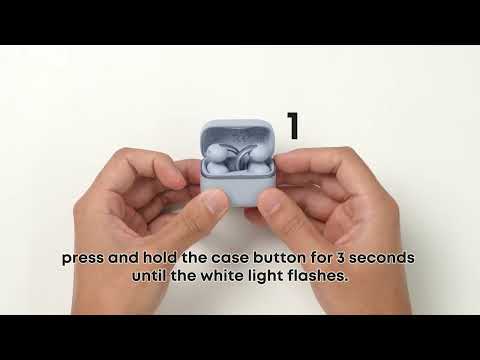
To use dual-device connection, please make sure you're not currently on a call. The earbuds can't enter pairing mode during an incoming or active call. End the call, then try again.
2. There May Be a Brief Silence When Audio Switches Between Devices
When the earbuds are connected to both a phone and a computer, there may be a brief silence when switching audio between devices. For example, if you pause music on your phone and immediately start playing music on your computer, the earbuds may briefly go silent while the phone releases the audio channel. The same applies when switching from the computer to the phone. This is normal and typically takes around 3 - 5 seconds, depending on the devices involved.
3. Audio May Not Automatically Switch to the Other Device
With dual-device connection, audio may not automatically switch when you pause playback on the currently active device. If this happens, manually tap "Play" on the other device to switch the audio connection.
If you encounter any other issues or your issue has not been resolved, please contact us for further assistance.