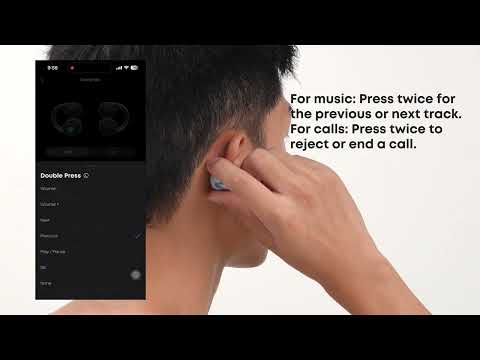
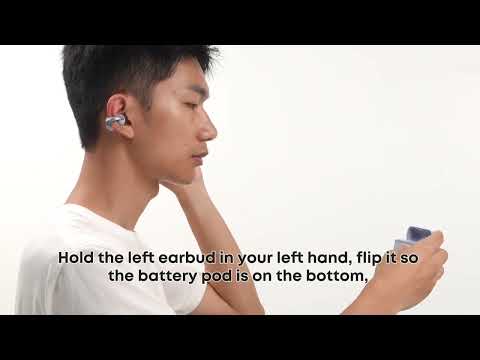
The earbuds support the following controls by default. Press the button on an earbud to control different functions. If these settings do not match your preferences, you can customize the controls in the soundcore app.
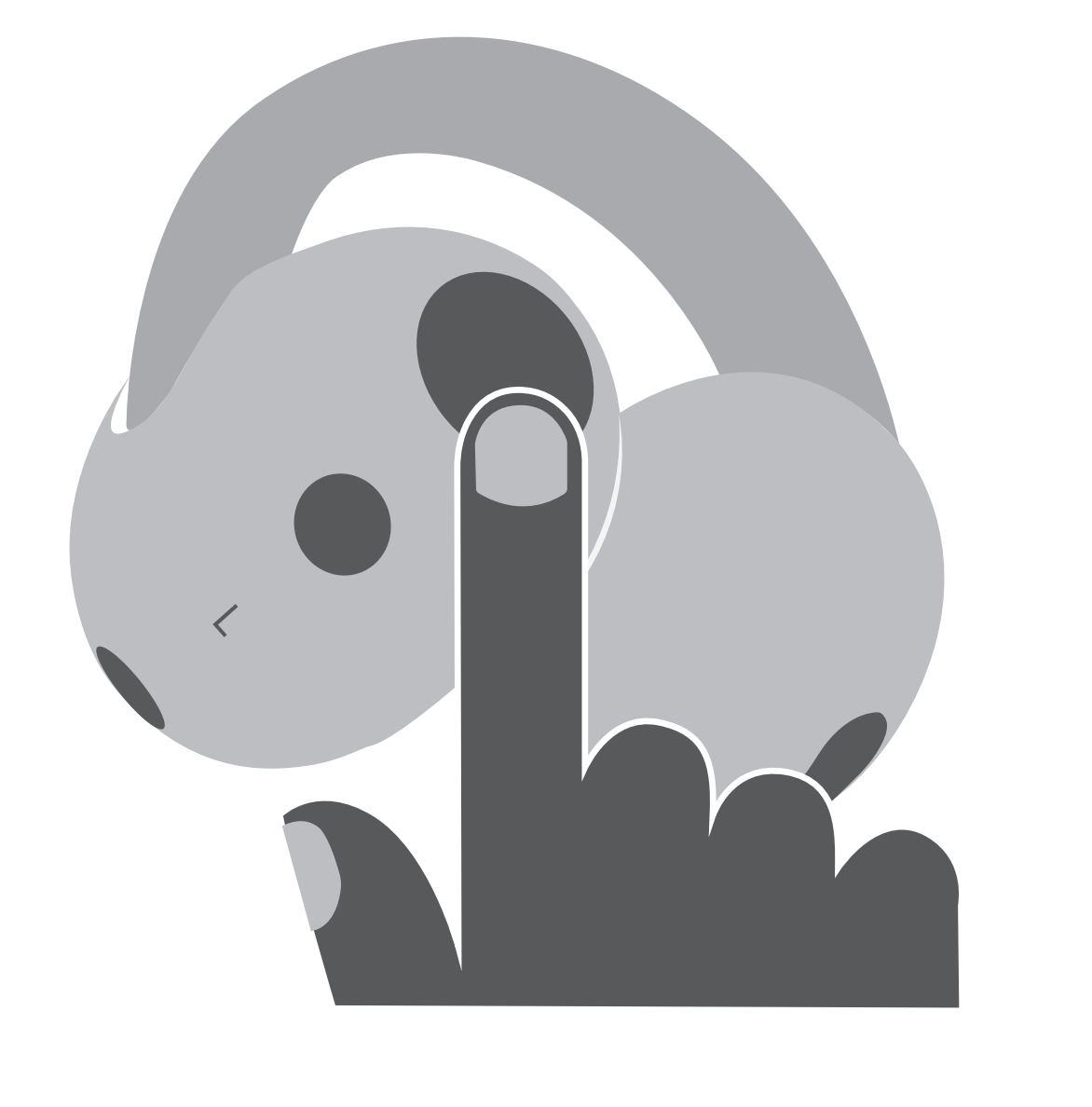
Notes:
-
The button controls for using both earbuds and using a single earbud are set separately. For example, if you assign "Single Press L Earbud Button" to "volume up" while wearing both earbuds, that setting will not apply when you wear only the left earbud and place the right earbud in the charging case. You will need to go to the "Controls" screen in the soundcore app and assign the button function for single-earbud use separately.
-
The earbuds do not have default volume buttons. To adjust volume with the buttons, customize the controls in the soundcore app by assigning volume up or volume down to actions such as single press, double press, or press and hold.
-
The earbud buttons currently support answering, ending, and rejecting carrier calls, such as regular phone calls. They do not currently support answering or ending calls in third-party calling apps such as WhatsApp or Zoom.
-
These earbuds do not support wearing detection, so music will not pause automatically when you remove them. Please use the buttons to manually play or pause audio.
If you can't play or pause music using the buttons, check the following:
1. App Compatibility: Button controls are primarily designed for audio apps. Some video apps may not respond to play / pause commands from the earbuds. Try testing the buttons with a standard music app to check if they are working properly.
2. Device Compatibility: Some devices may not respond to play / pause commands from the earbuds due to compatibility differences.
3. Windows Lock Screen: You cannot control music playback via the earbuds while your Windows computer's screen is locked. Please unlock the screen and try again.
4. Multiple Apps: Make sure you do not have multiple music apps open at the same time, as this can cause button commands to work incorrectly.
5. Button Settings: Please check that the button control settings in the soundcore app are configured correctly.
If you encounter any other issues or your issue has not been resolved, please contact us for further assistance.