ANKER AeroClip 2 is designed to provide a comfortable and balanced listening experience.
If the volume does not feel as expected during use, it may be related to your device settings, wearing position, listening environment, or personal hearing preferences.
Please refer to the following information to learn more about common volume-related situations and how to improve your experience.
1. If the earbuds' volume is not in sync with your device, please try the following:
-
Android: On some Android phones, the "Sync Bluetooth Device Volume with Phone" option is turned off by default. Go to Settings > Bluetooth, find your connected earbuds, tap the settings icon next to them, and enable "Sync Bluetooth Device Volume with Phone." If this option isn't visible, you may need to enable Developer Options first: go to Settings > About phone, tap "Build number" seven times to enable Developer Options, then go to Developer Options to check whether this feature is available. The exact path may vary by phone model.
-
iPhone: Check whether "Reduce Loud Sounds" is enabled. This feature limits the maximum earbud volume. You can turn it off by going to Settings > Sounds and Haptics > Headphone Safety.
-
Computer: Due to compatibility limitations, you may need to set your computer's volume to maximum first, then adjust the volume using the earbuds.
-
Listening Perception: Perceived volume varies from person to person and can be affected by hearing sensitivity and listening habits. Try comparing the volume with other headphones or speakers you regularly use to help determine whether it matches what you expect.
2. If the earbuds' volume seems low, please try the following:
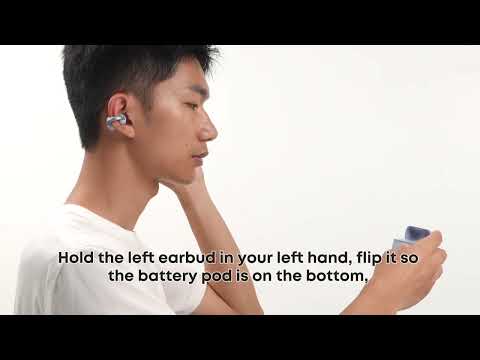
1. Check the Wearing Angle: If the sound outlet is too far from your ear canal, the audio may sound quieter. Adjust the earbuds so the sound outlets are aligned with your ear canals.
2. Check the Wearing Direction: Make sure the earbuds aren't worn backward, as this can affect sound performance.
3. Consider Your Listening Environment: In noisy environments, ambient noise can mask sound from open-ear earbuds. This is normal for open-ear designs.
4. Check the Sound Outlets: Make sure the sound outlets aren't blocked by debris. Clean them if necessary.
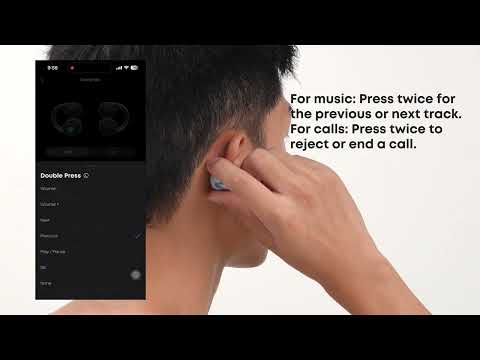
5. Adjust the EQ: Open the soundcore app and select a volume-boosting EQ preset in HearID, or use the Custom EQ to increase the volume.
If you encounter any other issues or your issue has not been resolved, please contact us for further assistance.