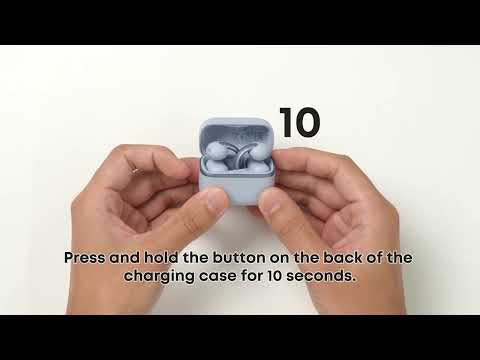
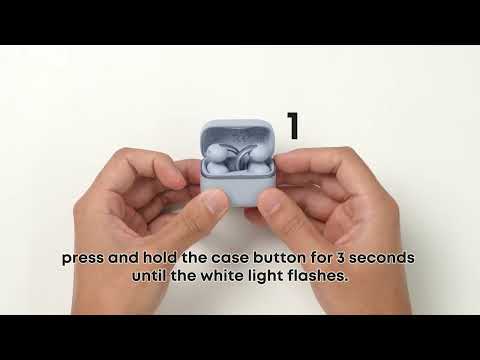
What do the Bluetooth LED indicators and prompt tones mean on ANKER AeroClip 2?

Here's what the Bluetooth-related LED indicators and prompt tones mean:


1. Power On: After you remove the earbuds from the charging case, they play a pairing prompt tone. The charging case does not light up.


2. Power Off: After you place the earbuds back in the charging case, the case's white LED turns on for about 2 seconds.


3. Bluetooth Pairing: In both single-device pairing and dual-device mode, the pairing prompt tone plays only once.


4. Bluetooth Paired: A pairing prompt tone plays, with no LED indication.


5. Bluetooth Disconnected: A "Bluetooth disconnected" prompt tone plays, with no LED indication.


6. Reconnecting: A prompt tone plays, with no LED indication.


If you encounter any other issues or your issue has not been resolved, please contact us for further assistance.

Unresolved icon
24 undefined
Download icon
soundcore C50i Navodila uporabnika (D1101)
Download icon
soundcore C50i Használati útmutató (D1101)
Download icon
soundcore C50i 用戶手冊 (D1101)
Download icon
soundcore C50i מדריך למשתמש (D1101)
Download icon
soundcore C50i Guia do usuário (D1101)-BR
Download icon
soundcore C50i Brugervejledning (D1101)
View More
Play videoHow to wear soundcore C50i
How to wear soundcore C50i
Play videoWhat do the indicator lights on soundcore C50i's charging case represent
What do the indicator lights on soundcore C50i's charging case represent
Play videoWhat are the standard controls for soundcore C50i
What are the standard controls for soundcore C50i
Play videoHow to clean soundcore C50i
How to clean soundcore C50i
Play videoHow to pair soundcore C50i for the first time
How to pair soundcore C50i for the first time
Play videoHow to turn soundcore C50i on and off
How to turn soundcore C50i on and off
View More
Contact Us