ANKER AeroClip 2 is designed to deliver clear and high-quality call performance. If calls do not sound as clear as expected, the issue may be related to the fit, wearing position, surroundings, or the other device involved in the call.
First, confirm whether the other person cannot hear you clearly or you cannot hear them clearly, then refer to the following suggestions:
1. Check the Fit and Orientation: Make sure the earbuds are worn on the correct side and facing the correct direction. Be especially careful not to swap the left and right earbuds during voice calls, as this can significantly affect voice pickup.
2. Adjust the Wearing Angle: If the sound outlet is too far from your ear, it can affect call audio. Adjust the earbud so it fits closer to your ear.
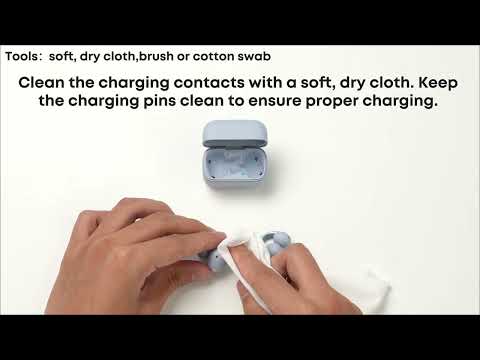
3. Check the Microphone Opening: The microphone is located near where the battery housing connects to the C-shaped bridge. Check whether it is blocked by debris, and clean it if needed.
4. Check Your Surroundings and Signals: A weak signal or noisy surroundings can also affect call quality. Try moving to a different location, and see if the issue improves.
5. Test with Another Contact: Try calling someone else to check whether the issue is related to the other person's device.
6. Ask the Other Person to Remove Their Earbuds: If the other person is also wearing earbuds during the call, ask them to remove their earbuds, and try again.
If you encounter any other issues or your issue has not been resolved, please contact us for further assistance.