If smart voice commands on your Anker soundcore Space 2 Pro are not responding, the issue is usually related to the feature settings, the connection, or how the commands are being triggered.
Please check the following:
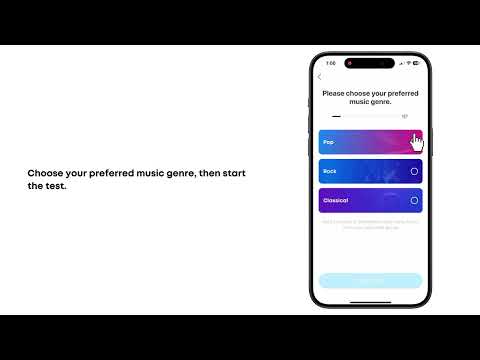
1. Voice commands are turned off by default. Enable Smart Voice Control in the soundcore app.
2. Voice commands for media playback work only when audio playback has been started in a supported audio app.
3. During a "Hey Anka" voice conversation, other voice commands may not respond. Say "Close conversation" or "Dismiss" to end the conversation, or wait about 8 seconds without speaking. After you hear the exit tone, return to the audio screen, start playback, and try the voice command again.
4. If a voice command matches the headphones' current state, such as saying "Pause" when playback is already paused, no action will occur.
5. Background noise can affect voice recognition. Speak clearly and, if necessary, slightly louder.
6. Use one of the officially supported languages. Dialects may not currently be supported, and clear pronunciation can improve recognition.
7. Voice commands may behave differently with certain devices or apps due to compatibility limitations.
8. Supported voice commands currently include Play Music, Stop Music, Previous Track, Next Track, Volume Up, Volume Down, Answer Call, Reject Call, Noise Cancellation, and Transparency Mode. For the exact supported phrases, check Smart Voice Control in the soundcore app.
Tip: If voice commands are being interrupted by accidental wake word,
try turning off the "Hey Anka" wake feature.
If you encounter any other issues or your issue has not been resolved, please contact us for further assistance.