Wear Detection is turned off by default. You can enable it in the soundcore app. When enabled, music automatically pauses when you take off the headphones and resumes when you put them back on. Note the following before use:
1. Wear the Headphones Correctly: The following situations may affect Wear Detection—wearing the headphones around your neck, covering them with your hand, placing them in a bag, using them while lying down, or covering them with a hat, scarf, or thick hair.
2. Keep Bluetooth Connected: This feature only works when the headphones are connected to a device via Bluetooth. Automatic play / pause is not supported over a wired AUX connection.
3. Check Device and App Compatibility: Make sure your phone, tablet, or music app supports this feature. Some third-party apps may have compatibility issues, and automatic play / pause may not work properly when watching videos.
4. Manual Pause Behavior: If you manually pause music on your phone before taking off the headphones, playback will not resume automatically when you put them back on. You will need to resume playback manually.
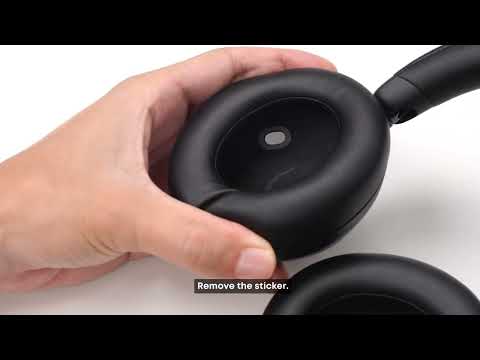
5. Clean and Calibrate the Sensor Regularly: Dirt on the sensor lens inside the left ear cup may affect Wear Detection. If you notice dirt or debris on the sensor, wipe it clean with an alcohol wipe, then run Wear Detection calibration in the app.
If you encounter any other issues or your issue has not been resolved, please contact us for further assistance.