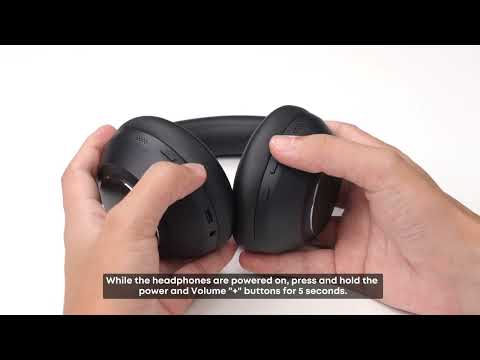
After connecting the headphones to one device, press the power button twice to enter dual-device pairing mode. Then search for the headphones on the second device and connect.
Dual-device connection is enabled by default. You can turn it off in the soundcore app by going to Settings > Dual Connection in the top-right corner. You can also disconnect or remove connected devices from this page.
The soundcore app offers two audio switching modes. Manual switch is enabled by default.
1. Auto Switch: The headphones automatically switch to the device that most recently starts playing audio. No manual action is required, making this mode convenient if you frequently switch between devices such as your phone and tablet. Note that background audio from one device, such as a notification or web ad, may interrupt playback on the other device. We recommend setting the device you are not using to silent or vibration mode.
2. Manual Switch: Pause playback on the current device, then start playback on the other device to switch the headphones to it. This mode prevents automatic switching and can help reduce unintended interruptions when you need to stay focused.
Notes:
1. A delay of about 3 - 5 seconds, or occasionally longer, when switching between devices is normal.
2. When using a meeting app for a call in dual-device mode, you may experience no audio due to compatibility issues. If this happens, disconnect one of the devices and use single-device mode.
If you encounter any other issues or your issue has not been resolved, please contact us for further assistance.