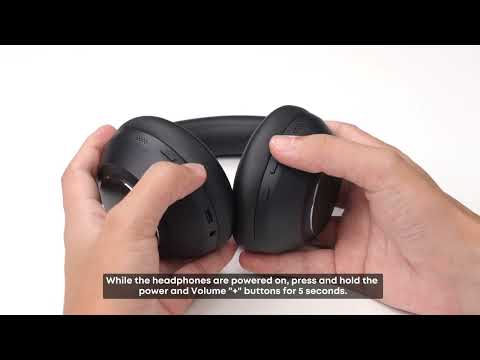
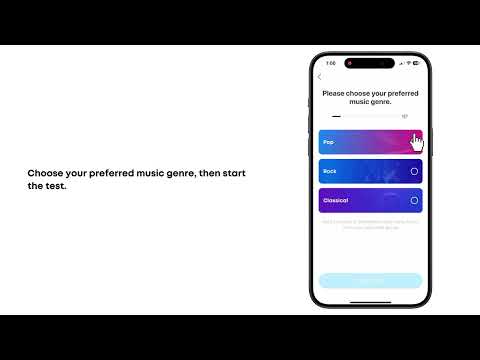
In the soundcore app, assign Nap Mode to the multifunction button (MFB), then press and hold the MFB to activate it. You can also turn Nap Mode on directly in the app.
Nap Mode includes 4 relaxing tracks. Each track is about 40 seconds long and plays on a loop. Press and hold the volume "+" button to skip to the next track, or press and hold the volume "−" button to go back to the previous track.
You can set a timer in the app to turn off Nap mode automatically after 10, 15, 20, 25, or 30 minutes, or set a custom duration. When the timer ends, a reminder tone plays and the audio stops automatically.
Notes:
1. In Nap Mode, the ambient sound mode cannot be adjusted. Noise Cancellation mode is used by default.
2. In Nap Mode, you cannot adjust the volume or switch white-noise tracks from your phone. Use the headphone buttons instead.
3. In Nap Mode, you cannot play music or audio from your phone. To return to normal audio playback, exit Nap Mode first.
If you encounter any other issues or your issue has not been resolved, please contact us for further assistance.