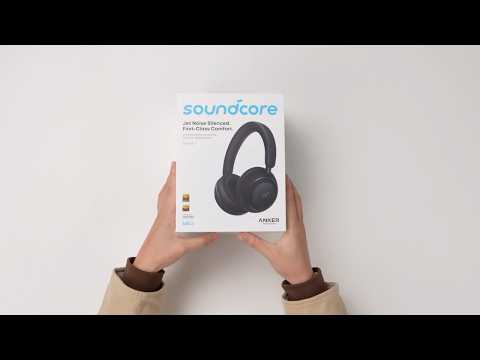
If you're not hearing any sound from your Space 2, try the following:
-
Make sure the headphones have enough battery. If the battery is low, please charge them fully and try again.
-
Check the audio output settings.
On a mobile phone:
While playing music or a video, open the notification panel and confirm that the audio output device is set to your headphones, not the phone speaker or another device.
On a computer:
Right‑click the volume icon in the lower‑right corner > open Sound settings > make sure the output device is set to your headphones.
-
Check for connections to other devices.
The headphones support dual‑device connection. If they are connected to another device (such as a tablet or computer), the audio may be playing there instead. Open the soundcore app and check the Dual Device Connection section. If another device is connected, disconnect or turn off the the second device from the app.
-
Make sure your phone or computer is running the latest system version.
For computer users, updating the Bluetooth driver (such as Realtek or Intel Bluetooth drivers) may also help.
-
Test with another device.
Connect Space 2 to a another phone or computer. If sound works normally on another device, the issue may be related to the original device's settings or compatibility.
-
Restart your device.
Temporary system issues can sometimes affect audio output. Restart your phone or computer, then reconnect the headphones and try again.
-
Reset the headphones.
Ensure the headphones are powered on. Then, press and hold the Power button and Volume "+" buttons simultaneously for 5 seconds. The red power LED will flash slowly 3 times, indicating that the factory reset process has begun.
If you encounter any other issues or your issue has not been resolved, please contact us for further assistance.