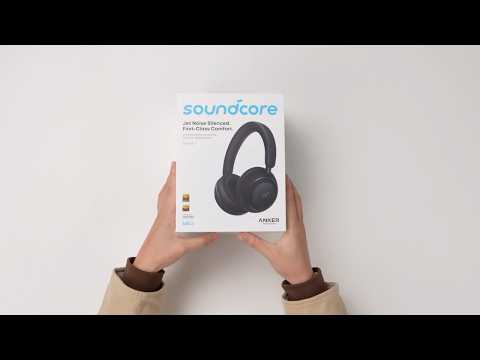
What should I do if the battery life of my soundcore Space 2 seems shorter than expected?
The advertised battery life is measured under specific test conditions: 50% volume, factory default settings, no additional features enabled, and continuous playback of a fixed audio track.
Check the volume level
Higher volume levels consume more power. If the volume is set above 50%, the battery life will naturally be shorter.
Check the audio content.
Different audio files and playback types can affect battery usage. Streaming, high‑bitrate files, or complex audio content may consume more power. Battery tests are typically done by looping standard tracks, rather than using media from multiple audio sources.
Check wearing and ANC status
When ANC mode is enabled and the fit is not optimal (for example, there are audio delays or sound leakage), the headphones may consume more power, which can reduce battery life.
Check the Bluetooth audio codec
Different Bluetooth codecs consume different amounts of power. Under similar usage conditions, LDAC streaming may reduce battery life by around 20% compared to SBC.
Test different codecs to find the best balance between sound quality and battery life.
Check for additional features.
Make sure features such as adaptive ANC or other app‑based enhancements are turned off if they are not needed, as they can increase power consumption.
Check charging conditions
If the headphones are not charging fully, battery life may appear shorter. Check whether the charging contacts or port are dirty, as this could affect charging efficiency.
Try using a different charging cable or power adapter to rule out charging issues.
If you encounter any other issues or your issue has not been resolved, please contact us for further assistance.