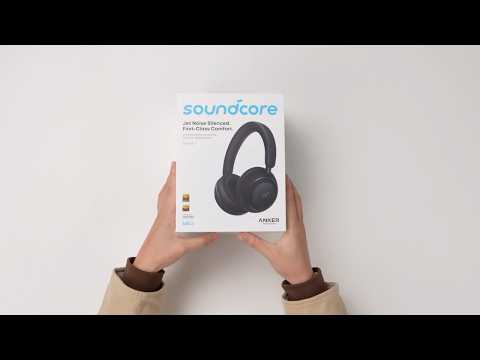
What should I do if sound leaks from my soundcore Space 2?
If you notice that sound from your Space 2 is more noticeable in certain situations, try the following:
Check device audio settings.
For iPhone users
Your phone may temporarily switch audio output due to system behavior.
Press the side button to open the Emergency / Power Off screen, then exit it and return to your music player to resume playback. If audio still plays from the phone speaker, turn off Bluetooth, then turn it back on and allow the headphones to reconnect automatically. If needed, reset the headphones and reconnect them to your iPhone.
Also, check call audio routing.
Go to Settings > Accessibility > Call Audio Routing. Make sure Bluetooth Headset is selected.
For Android users
After connecting the headphones to your phone or tablet:
Go to Settings > Bluetooth.
Find Space 2 in the device list and tap the settings icon next to it.
Make sure Media audio and Call audio are both enabled.
Restart the Bluetooth connection.
During the connection process, some data may not sync correctly.
Turn off Bluetooth on your device. Turn Bluetooth back on.
Re‑pair Space 2 and try again.
If you encounter any other issues or your issue has not been resolved, please contact us for further assistance.