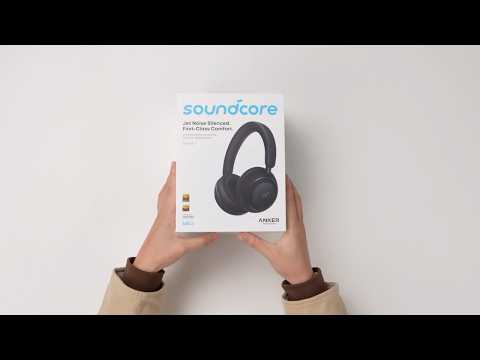
What should I do if the audio controls on my soundcore Space 2 don't work?
If the play/pause, volume, or playback controls on your Space 2 are not working as expected, please try the following:
1
Check the Bluetooth connection
Make sure the headphones are not connected to multiple Bluetooth devices at the same time. If your phone is also connected to another Bluetooth speaker or headset, control commands may conflict.
Disconnect other Bluetooth audio devices and try again.
2
Check the audio source
The headphone controls are designed to work with audio playback apps (such as music and podcast players). Some apps may not respond to play/pause commands from the headphones.
Try testing the controls with a standard music app.
3
Test other controls
Check whether volume adjustment or track switching is responding normally.
If none of the controls respond, this may indicate an issue with the Bluetooth connection or control buttons.
If some controls work but others do not, please double‑check your phone's settings and the active audio source.
4
Check media control permissions
On some devices, media control permissions must be enabled manually.
Go to your device's Settings and confirm that the headphones are allowed to control media playback.
5
Close background apps
Running multiple music or audio apps at the same time can cause command conflicts.
Close other audio apps running in the background.
If needed, clear the app cache and try again.
6
Reset
Reset the headphones
Ensure the headphones are powered on.
Press and hold the Power button and Volume "+" buttons simultaneously for 5 seconds. The red power LED will flash slowly 3 times, indicating that the factory reset process has begun.
If you encounter any other issues or your issue has not been resolved, please contact us for further assistance.