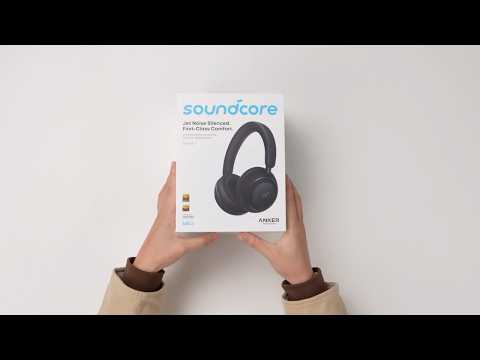
What could cause audio stuttering or lag on soundcore Space 2?
If you notice audio stuttering, lag, or interruptions while using your Space 2, it may be related to one or more of the following factors:
1
Audio App Compatibility
The issue may be related to the specific app used for audio playback. Some audio or video apps (such as certain media players or games) may cause delay or stuttering due to their own decoding methods or Bluetooth optimization settings.
Try playing audio using a different playback app to check whether the issue still occurs.
Check the audio or playback settings within that app for any options related to Bluetooth audio, latency, or performance optimization.
2
Audio Codec Compatibility
High‑definition Bluetooth codecs (such as LDAC) may be unstable on some devices.
Try changing the Bluetooth audio codec on your phone to AAC or SBC, which generally offer better compatibility.
3
Environmental Interference
Wireless signals from nearby devices can interfere with Bluetooth performance. Common sources include Wi‑Fi routers, microwaves, and other Bluetooth devices.
To solve this:
Move away from potential interference sources.
Turn off nearby wireless devices that are not in use.
Make sure there are no physical obstacles between the headphones and the connected device, and try to keep the distance within 10 meters (33 feet).
4
Network Signal Stability
When streaming music or videos online, unstable network connections can affect audio playback.
Ensure your device has a strong and stable network connection.
5
Bluetooth Version Compatibility
Large differences between the Bluetooth versions of the headphones and the connected device may lead to compatibility issues. Devices that support Bluetooth 5.0 or higher generally enable more stable connections.
6
Multiple Bluetooth connections
If your phone is connected to several Bluetooth devices at the same time (such as a smartwatch or speaker), audio resources may be shared.
Disable Bluetooth devices where possible and try again.
7
Test with Another Device
To further narrow down the cause, please connect Space 2 to another phone or tablet.
If the issue persists, it may indicate a headphone‑related issue.
If the audio is stable on another device, the issue may be related to the original device's settings or compatibility.
If you encounter any other issues or your issue has not been resolved, please contact us for further assistance.