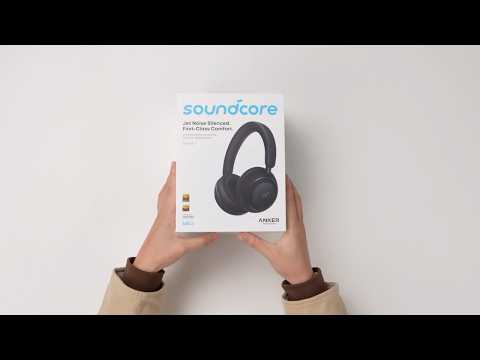
How do I connect my soundcore Space 2 using the AUX cable?

To ensure optimal audio quality, keep the headphones powered off before connecting them to your device using the included audio cable. Then, press and hold the Power button for 2 seconds to power on. The default EQ will be applied.

Note that when connected via an AUX cable:

  1. The MFB (Multi-Function Button ⏯️) and volume buttons are non-functional.

  2. When powered on, the NC button can be used to switch between modes.

  3. Phone calls are not supported.

  4. The headphones automatically power off when the AUX cable is disconnected.

  5. AUX cables with integrated microphone functionality are supported.

  6. You may hear some background noise when the headphones are powered on. This is normal.


If you encounter any other issues or your issue has not been resolved, please contact us for further assistance.

Unresolved icon
0 undefined
Download icon
EU Declaration of Conformity for soundcore A3i_A3992
Download icon
A3961 QSG V2(1)
Download icon
UK&CA Declaration of Conformity for soundcore Liberty 4_A3953
Download icon
EU Declaration of Conformity for soundcore Liberty 4_A3953
Download icon
A3947_Liberty 4 NC_QSG
Download icon
Liberty 4_A3953_QSG
View More
Play videoHow to use Liberty 4 Wellness features
How to use Liberty 4 Wellness features
Play videoHow to Wear Liberty 4 and Change Eartips
How to Wear Liberty 4 and Change Eartips
Play videoHow to Pair and Reset Sport X10
How to Pair and Reset Sport X10
Play videoHow to solve a connection issue on Sleep A10
How to solve a connection issue on Sleep A10
Play videoHow to Connect to the Soundcore App and Update Firmware for Sport X10
How to Connect to the Soundcore App and Update Firmware for Sport X10
Play videoHow to Use Features On the Soundcore App for Sport X10
How to Use Features On the Soundcore App for Sport X10
View More
Contact Us