If the volume sounds quieter than expected, try the following steps:
-
Check volume synchronization on your device.
Make sure the headphone volume is synchronized with your device volume.
-
Open your phone's Settings.
-
Go to Bluetooth.
-
Find your connected Space 2 headphones.
Enable the option to sync Bluetooth device volume with the phone (wording may vary by device).
For iPhone users:
-
Check whether "Reduce Loud Sounds" is enabled. This feature limits the maximum headphone volume.
-
Go to Settings > Sounds & Haptics > Headphone Safety and turn off "Reduce Loud Sounds" if enabled.
-
Adjust volume on both the headphones and your device.
When using a computer or other devices, volume control may be split between the device and the headphones.
Set the computer (or source device) volume to maximum, then adjust the headphone volume.
Note: In some cases, setting volume on one device to a higher level may result in reduced volume output.
-
Check for fit and sound leakage.
Improper wearing can cause sound to leak, which reduces perceived volume.
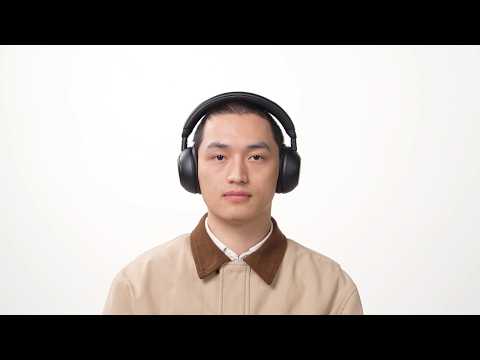
Make sure the headphones are worn securely and positioned correctly. Check that the speakers are properly aligned.
-
Consider personal listening preferences.
Perceived volume can vary depending on individual hearing sensitivity and personal preferences.
Compare your usual listening volume with that on other headphones or speakers to see whether the difference is device‑or preference‑related.
-
Try a different EQ setting.
Using a different EQ profile can improve perceived loudness.
Open the soundcore app and select an EQ preset that matches your listening preference. You can also create a custom EQ for greater clarity or louder output.
-
Reset the headphones.
-
Ensure the headphones are powered on.
-
Press and hold the Power button and Volume "+" buttons simultaneously for 5 seconds. The red power LED will flash slowly 3 times, indicating that the factory reset process has begun.
If you encounter any other issues or your issue has not been resolved, please contact us for further assistance.