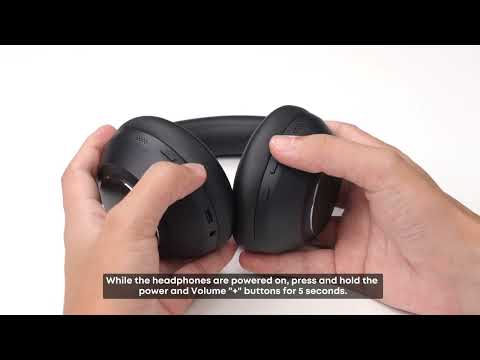
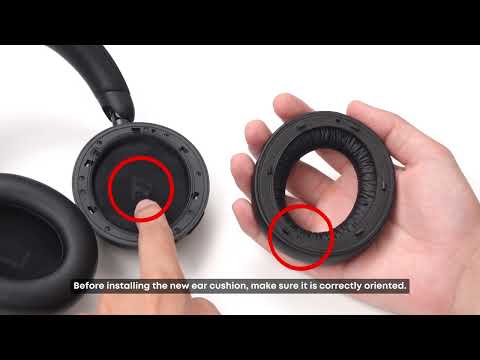
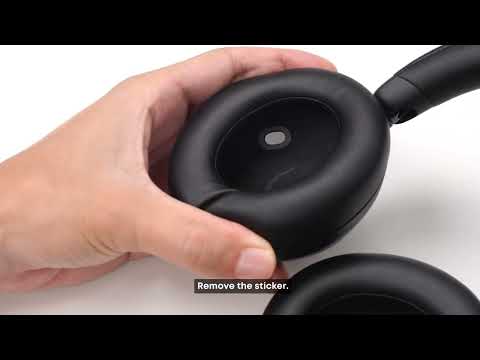
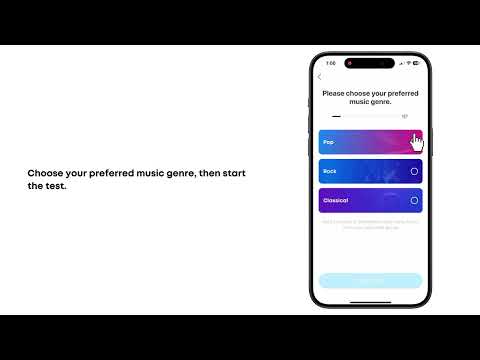
If pairing does not work, the headphones disconnect frequently, or the Bluetooth connection is unstable, the issue may be related to connection status, wireless interference, device software, or compatibility.
Please refer to the following information for common connection situations and troubleshooting steps.
1. Check the Current Connection Status
Make sure you are not on an active call before attempting to pair or reconnect the headphones.
2. Reduce Wireless Interference
Stay away from potential sources of 2.4 GHz interference, such as Wi-Fi routers, microwaves, and other Bluetooth devices. If possible, test the headphones in an open area with fewer walls, metal objects, or other obstructions.
3. Update the Firmware and System Software
Update the headphone firmware through the soundcore app. Make sure your phone or computer is running the latest available operating system. Computer users should also check whether the Bluetooth adapter driver is up to date.
4. Check Compatibility
Connect the headphones to another phone, tablet, or computer to see whether the issue continues.
You can also connect another Bluetooth accessory to the original device to help determine whether the issue is related to the headphones or the host device.
If you encounter any other issues or your issue has not been resolved, please contact us for further assistance.