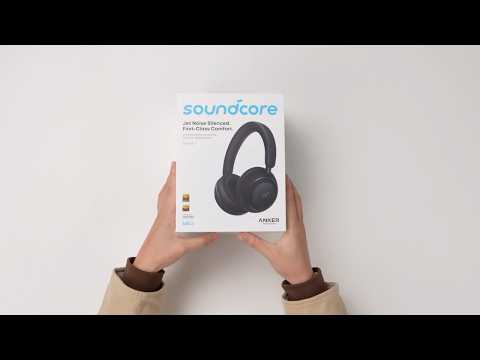
What should I do if I notice audio delay on my soundcore Space 2?
If you experience audio lag (for example, sound not matching video or delayed playback), please try the following steps:
1
Check the Bluetooth audio codec
For Android devices:
Go to Settings > Bluetooth, tap on your connected soundcore Space 2, and select AAC if available.
You can also check or change the codec in the soundcore app.
(Note: LDAC requires device support and may introduce more delay on some systems.)
For iOS devices:
iPhones use AAC by default, so no manual adjustment is needed.
2
Check the Bluetooth connection
A weak or unstable connection can increase audio delay.
Keep your phone or computer within 3 meters (10 feet) of the headphones. Avoid having walls, metal objects, or other obstacles between your device and the headphones.
Turn off nearby wireless devices that are not in use, such as smartwatches and Wi‑Fi routers.
3
Check the system version
Make sure your phone or computer is running the latest system version (e.g., Android 12 or later, iOS 16 or later).
System updates often include Bluetooth performance improvements.
4
Adjust device audio settings
Turn off audio enhancement features such as 3D Sound or system equalizers. Try again to see if the delay improves.
5
Reset
Reset the headphones.
Ensure the headphones are powered on.
Press and hold the Power button and Volume "+" buttons simultaneously for 5 seconds. The red power LED will flash slowly 3 times, indicating that the factory reset process has begun.
If you encounter any other issues or your issue has not been resolved, please contact us for further assistance.