What should I do if I can't find my soundcore Space 2 in the soundcore app?
If your Space 2 is already connected to your phone via Bluetooth but does not appear in the soundcore app, please follow these steps:
-
Download and install the soundcore app from the Google Play Store or Apple App Store.
-
Make sure the headphones are successfully connected to your phone via Bluetooth.
-
Open the soundcore app.
-
On the home screen, tap Add Devices.
-
Select the headphones icon.
-
Choose soundcore Space 2 from the list to complete setup.
If you encounter any other issues or your issue has not been resolved, please contact us for further assistance.


20 undefined
soundcore Space 2 Setup and Basic Operations Guide


soundcore Space 2 Specs, Features, and Compatibility
Sound Settings and Audio Troubleshooting on soundcore Space 2
What should I do if I notice audio delay on my soundcore Space 2?
soundcore Space 2 soundcore App Setup and Features
How should I maintain and care for my soundcore Space 2?
What could cause audio stuttering or lag on soundcore Space 2?
How do I use Nap mode on my soundcore Space 2?
How do I connect my soundcore Space 2 using the AUX cable?

soundcore Space 2 Benutzerhandbuch (D1402)
soundcore Space 2 User Guide (D1402)
soundcore Space 2 사용자 가이드 (D1402)
【D1402】【soundcore Space 2】EU Declaration
soundcore Space 2 Kullanım Kılavuzu (D1402)
soundcore Space 2 Gebruikersgids (D1402)
View More

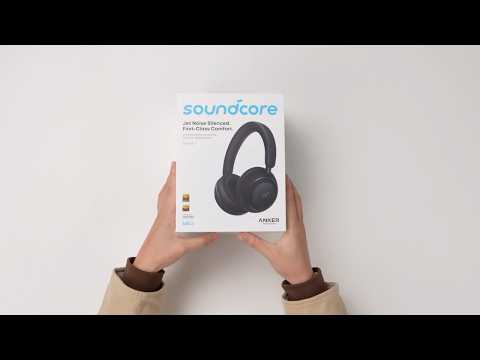
soundcore Space 2 | Unboxing and Getting Started)

soundcore Space 2 | Wear Detection and Nap Mode Setup & Usage


