How do I find the serial number (SN) on Anker soundcore Space 2 Pro?

The serial number (SN) of your Anker soundcore Space 2 Pro may be needed for warranty or support purposes. You can find it both on the headphones themselves and in the soundcore app. This article shows you where to look in each case.


  • The serial number (SN) is located on the right sliding arm of the headphones. It consists of a combination of letters and numbers, for example: SN: AHZ32XXXXXXXXXX.


  • Open the soundcore app, go to the headphone's device page, and scroll to the bottom to find the serial number (SN), for example: 1406XXXXXXXX1234.


If you encounter any other issues or your issue has not been resolved, please contact us for further assistance.


Unresolved icon
27 undefined
Download icon
soundcore Space 2 User Guide (D1402)
Download icon
soundcore Space 2 Benutzerhandbuch (D1402)
Download icon
soundcore Space 2 取扱説明書 (D1402)
Download icon
soundcore Space 2 사용자 가이드 (D1402)
Download icon
【D1402】【soundcore Space 2】EU Declaration
Download icon
soundcore Space 2 Kullanım Kılavuzu (D1402)
View More
Play videosoundcore Space 2 | Unboxing and Getting Started)
soundcore Space 2 | Unboxing and Getting Started)
Play videosoundcore Space 2 | Wear Detection and Nap Mode Setup & Usage
soundcore Space 2 | Wear Detection and Nap Mode Setup & Usage
Play videoHow to reset the Anker Space 2 Pro?
How to reset the Anker Space 2 Pro?
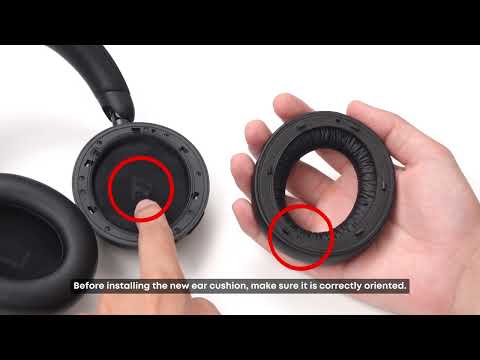
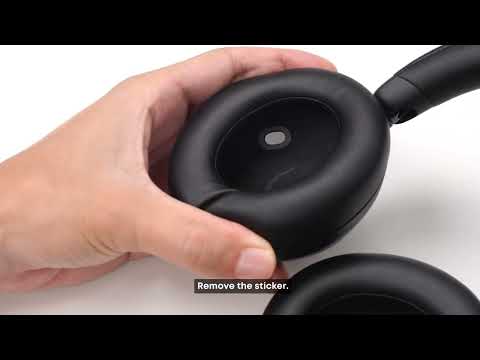
Play videoHow do I replace the ear cushions on the Anker Space 2 Pro?
How do I replace the ear cushions on the Anker Space 2 Pro?
Play videoUnboxing and Maintenance for Anker Space 2 Pro
Unboxing and Maintenance for Anker Space 2 Pro
Play videoConnection and Features for Anker Space 2 Pro
Connection and Features for Anker Space 2 Pro
Contact Us