What should I do if the firmware upgrade fails on AeroClip?
If you encounter an issue where the AeroClip firmware upgrade fails, you can find a solution in this article.
1. Do not disconnect during the upgrade.
2. Do not disconnect from the network during the upgrade.
3. Do not close the app during the upgrade.
4. Keep the earbuds in standby mode during the upgrade.
5. Go to your phone's settings and clear the soundcore cache in application management.
6. If the upgrade fails, try again.
If you encounter any other issues or your issue has not been resolved, please contact us for further assistance.


20 undefined
Tips for Using Your New soundcore AeroClip


soundcore AeroClip FAQ
How to Register Your E-Warranty Card in the Soundcore App
Why isn't the EQ setting working?
What should I do if I can't find AeroClip in the soundcore app?
What should I do if I cannot enter the soundcore app?
What should I do if the other party cannot hear me during a call?
What should I do if the call quality is poor?
What should I do if no sound comes out of the earbuds after I pick up a call on my iPhone?
What should I do if there's no ringtone in the earbuds when I get an incoming call?

【A3388】soundcore AeroClip EU Declaration
soundcore AeroClip Lietotāja rokasgrāmata (A3388)
soundcore AeroClip Упатство за корисник (A3388)
soundcore AeroClip Gwida għall-utent (A3388)
soundcore AeroClip Udhëzuesi i përdoruesit (A3388)
soundcore AeroClip Foydalanuvchi qo‘llanmasi (A3388)
View More

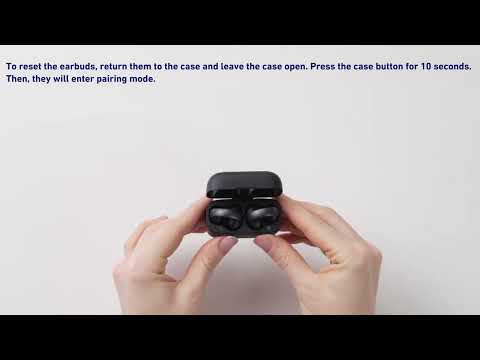
How to Pair soundcore AeroClip with a New Device

How to Use soundcore AeroClip Tap Controls

What's in the Box of soundcore AeroClip
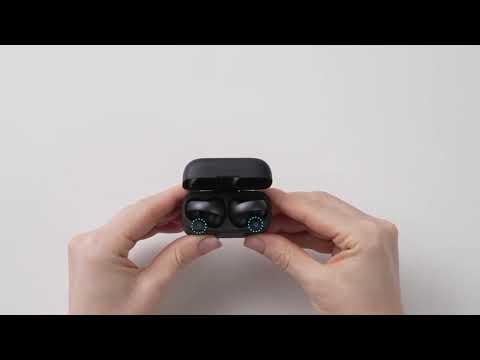
How to wear soundcore AeroClip
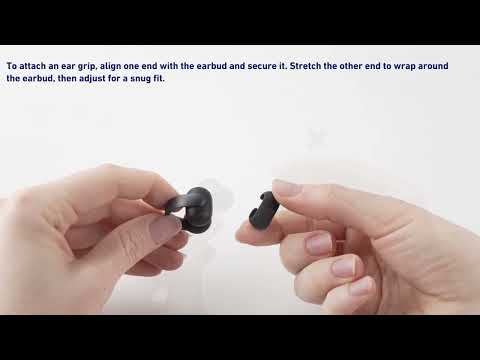
How to Install the Ear Grips of soundcore AeroClip
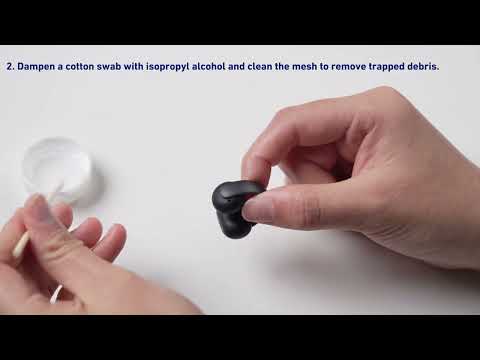
How to Clean soundcore AeroClip
View More


