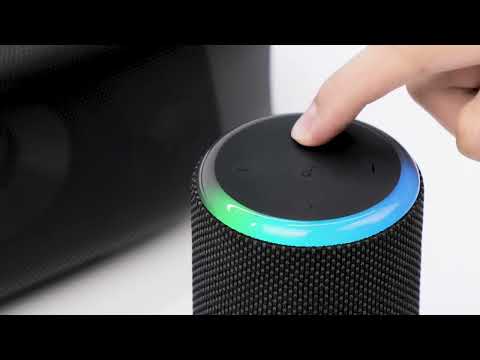
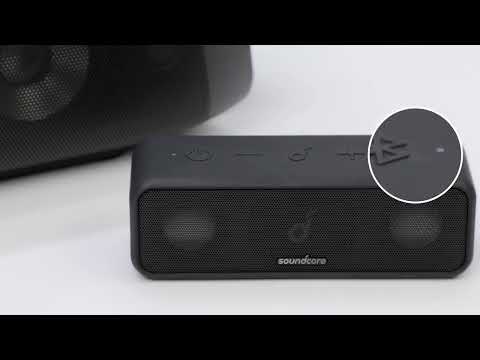
What Should I Do If My Soundcore Motion Boom Plus has Poor Sound Quality?

There are several reasons why a speaker has poor sound quality. It could be because of the speaker's battery, the device connected with the speaker, the audio source, and so on.

If your Soundcore Soundcore Motion Boom Plus has poor sound quality, please try these steps:

- Confirm that Soundcore Motion Boom Plus is fully charged.

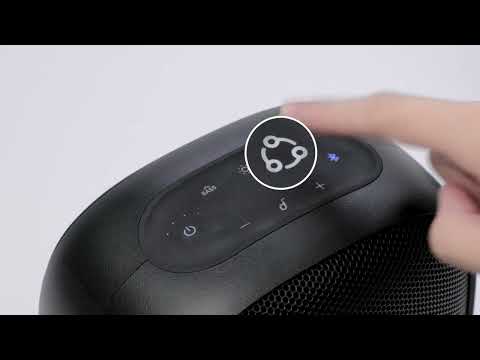
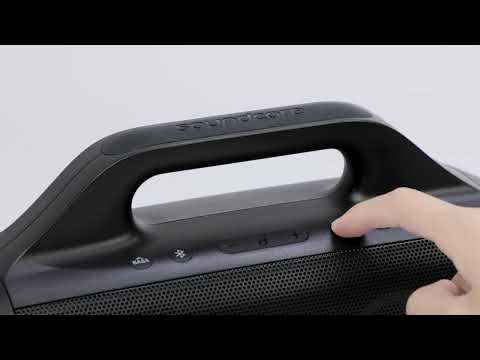
- Reset Soundcore Motion Boom Plus by holding the Bluetooth and Vol+ buttons at the same time for 5-10 seconds.

- Connect the Soundcore Motion Boom Plus to another device.

- Try a different app or audio source.

If the issue persists, please contact
us for further assistance. Make sure to mention that you have tried the listed steps so our agents do not ask you to repeat them.

Download icon
What Should I Do If My Soundcore Motion Boom Plus has Poor Sound Quality?
Unresolved icon
33 undefined
Download icon
A3129_Motion_Boom_Plus_Manual
Download icon
A3129_Motion_Boom_Plus_QSG
Download icon
【A3129】Soundcore Motion Boom Plus EU Declaration
Download icon
soundcore Motion Boom Plus User Guide (A3129)
Play videoHow to pair Motion Boom Plus with Select Pro
How to pair Motion Boom Plus with Select Pro
Play videoHow to pair Motion Boom Plus with Rave Neo
How to pair Motion Boom Plus with Rave Neo
Play videoHow to pair Motion Boom Plus with Select Pro
How to pair Motion Boom Plus with Select Pro
Play videoHow to pair Motion Boom Plus with Rave PartyCast
How to pair Motion Boom Plus with Rave PartyCast
Play videoHow to pair Motion Boom Plus with Flare 2
How to pair Motion Boom Plus with Flare 2
Play videoUnboxing and charging the Motion Boom Plus Speaker
Unboxing and charging the Motion Boom Plus Speaker
View More
Contact Us