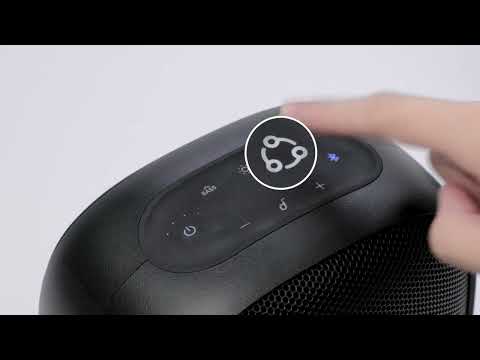
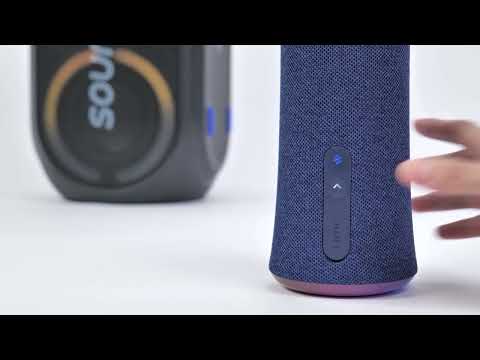
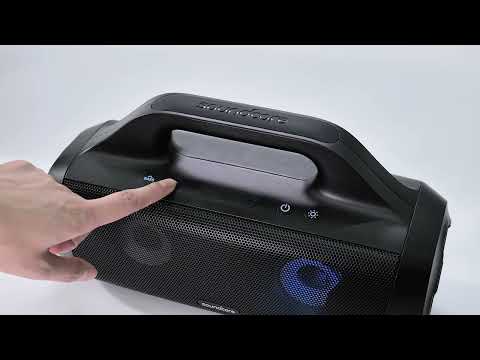
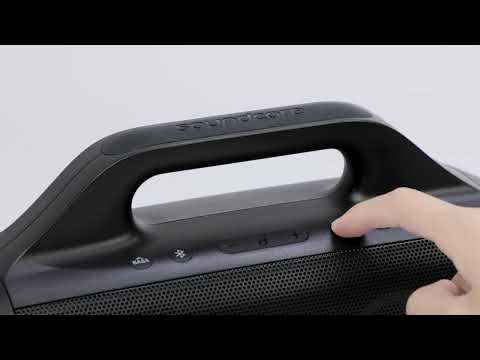
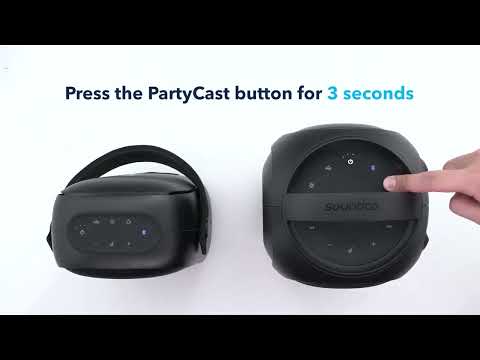
soundcore Speakers with Multifunction Feature

What is Bluetooth Multipoint?

Multipoint is a feature that allows a single Bluetooth speaker to simultaneously connect to two source devices like a smartphone and laptop.


How Does Mulitipoint Work?

Powered by multipoint, users can easily switch between two source devices without needing to go through the normal process of disconnecting the current source, then connecting the source you want to use with your speaker.


Also, by connecting one speaker to two sources devices at a time, users can stream music from one device while keeping an eye on notifications from the other, and more.


Speakers with Mulitipoint Feature

Review this list to see if your speaker supports TWS. Note that this list will continually update:


PN

Product Name

Multipoint feature

A3119

soundcore Mini 3

Yes

A3127

soundcore Mini 3 Pro

Yes

A3117

Soundcore 3

Yes

A3125

SoundCore Select 2

Yes

A3116

soundcore Motion+

Yes

A3118

soundcore Motion Boom

Yes

A3126

Soundcore select Pro

Yes

A3129

soundcore Motion Boom Plus

Yes

A31670

soundcore Flare mini (Upgraded)

Yes

A3390Z11

soundcore Rave Mini

Yes

A3390J

soundcore Rave Party SE

Yes

A3391Z11

soundcore Rave

Yes

A3391Z12

soundcore Rave+

Yes

A3392H11

soundcore Mega

Yes

A3393011

soundcore Trance

Yes

A3395Z11

soundcore Rave Neo

Yes

A3396011

soundcore Trance Go

Yes

A33A1

soundcore Rave Neo 2

Yes

A3399

soundcore Rave Party 2

Yes


If you have additional questions, please contact us for further assistance.

Download icon
soundcore Speakers with Multifunction Feature
Unresolved icon
151 undefined
Unlock Our New Easy-To-Use Warranty Service
261224 views381 likes/2025-04-08 16:02:12
soundcore parts and accessories
29165 views1 likes/2025-04-08 16:00:05
Soundcore App Introduction
44005 views6 likes/2025-04-08 16:00:37
How Do I Connect to the Soundcore App?
26768 views3 likes/2025-04-08 16:00:47
How to reset a soundcore speakers
21180 views8 likes/2025-04-08 16:00:34
Soundcore Warranty Policy
57054 views10 likes/2022-10-13 11:05:11
How Do I Customize the EQ on my Speaker?
21205 views1 likes/2025-04-08 16:00:04
soundcore speakers failed to connect with my devices
14999 views1 likes/2025-04-08 15:56:00
How to Pair Two Soundcore Motion+ Speakers Together?
10317 views3 likes/2025-04-08 16:00:47
How to charge and power on soundcore speakers
14339 views3 likes/2025-04-08 15:56:00
Download icon
A33A1_Rave Neo 2 SE_QSG (CA-Costco Customized Version)
Download icon
A33A1 Rave Neo 2 SE Manual (CA-Costco Customized Version)
Download icon
A33A1_Rave Neo 2_QSG
Download icon
A33A1_Rave Neo 2_Manual
Download icon
【A33A1】soundcore Rave Neo 2 EU Declaration
Download icon
soundcore Rave Neo 2 User Guide (A33A1)
View More
Play videoHow to pair Rave Neo 2 with Select Pro
How to pair Rave Neo 2 with Select Pro
Play videoHow to pair Rave Neo 2 with Rave Neo
How to pair Rave Neo 2 with Rave Neo
Play videoHow to pair Rave Neo 2 with Flare 2
How to pair Rave Neo 2 with Flare 2
Play videoHow to pair Rave Neo 2 with Rave PartyCast
How to pair Rave Neo 2 with Rave PartyCast
Play videoHow to pair Motion Boom Plus with Rave PartyCast
How to pair Motion Boom Plus with Rave PartyCast
Play videoHow to pair Rave Neo, Rave PartyCast, and Trance Go Speakers via PartyCast
How to pair Rave Neo, Rave PartyCast, and Trance Go Speakers via PartyCast
View More
Contact Us