How to Fix Motion Boom Plus No Sound Issue When Connected to a PC via Bluetooth?

If there is no sound after connecting your  Soundcore Motion Boom Plus with a PC via Bluetooth, please try these steps:

1. Fully charge the speaker.
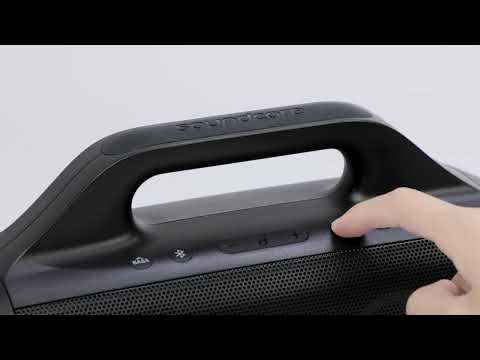
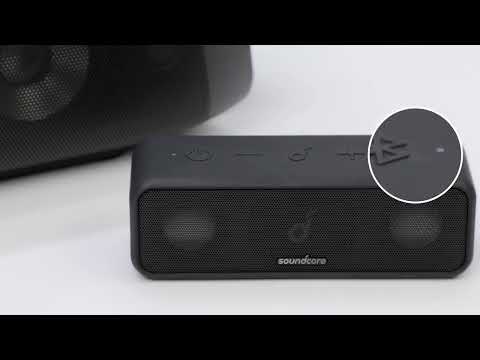
2. Power it on and then reset Soundcore Motion Boom Plus by holding the Volume+ and Bluetooth buttons at the same time for 5-10s.
3. Power off your PC and Soundcore Motion Boom Plus, and then power them on again.
4. Make sure you've chosen Soundcore Motion Boom Plus as the audio output device on your PC.


If you still have any concerns or issues, please contact Soundcore customer service and make sure to mention that you've tried the listed steps above for a quick and accurate solution.

How to Fix Motion Boom Plus No Sound Issue When Connected to a PC via Bluetooth?
33 undefined
A3129_Motion_Boom_Plus_Manual
A3129_Motion_Boom_Plus_QSG
【A3129】Soundcore Motion Boom Plus EU Declaration
soundcore Motion Boom Plus User Guide (A3129)
How to pair Motion Boom Plus with Select Pro
How to pair Motion Boom Plus with Rave Neo
How to pair Motion Boom Plus with Select Pro
How to pair Motion Boom Plus with Rave PartyCast
How to pair Motion Boom Plus with Flare 2
Unboxing and charging the Motion Boom Plus Speaker
View More
Contact Us