Strong noise cancellation can feel uncomfortable for some people. Ear canal structure and hearing sensitivity vary from person to person, so the same level of noise cancellation is experienced differently.
Lower the Noise Cancellation Level
In the app, select a lower level. Level 1 is the lightest and Level 5 is the strongest.
-
Path: Home > Ambient Sound > Noise Cancellation > Natural > Level.
Switch to Normal Mode
Normal Mode turns off noise cancellation entirely, which may help if lowering the level isn't enough.
-
Path: Home > Ambient Sound > Normal.
Check Your Fit
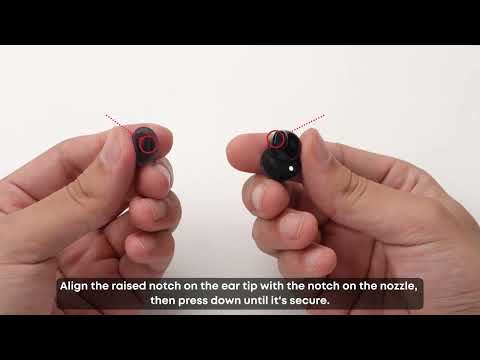
A tip or wing that presses more than it needs to can add to the discomfort. Try a different size, and take a short break to let your ears rest if you've been wearing the earbuds for a long stretch. See "How to Get a Secure, Comfortable Fit with Anker Liberty Buds 2" for sizing steps.
Related Articles
-
What each mode does: "How to Choose the Right Ambient Sound Mode on Anker Liberty Buds 2"
If you encounter any other issues or your issue has not been resolved, please contact us for further assistance.