How to Turn Off the Beeps and Tones on Anker Liberty Buds 2
Anker Liberty Buds 2 uses a few short prompt tones — for wear detection, taps, and low battery. If you find them distracting, you can turn each one off individually in the app: Product Page > Settings (top right) > Prompt Tones.
If You Keep Hearing a Tone in One Ear
1. Turn off the wear prompt tone in the app and check whether it stops — this confirms whether the tone you're hearing is specifically the wear detection prompt.
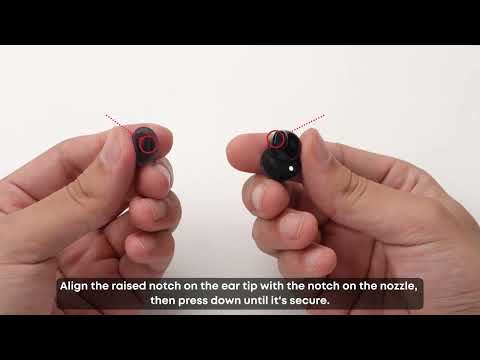
2. If turning it off resolves it, the tone was likely triggering repeatedly because of how the earbud is seated. Try a different ear tip or ear wing size — a loose or shifting fit can cause wear detection to re-trigger more often than intended.
If you encounter any other issues or your issue has not been resolved, please contact us for further assistance.