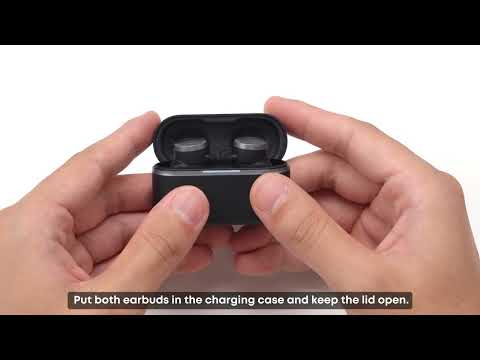
This article covers the default touch controls, using a single earbud, what to do if touch controls feel unresponsive, and how to keep the earbuds in good shape long-term.
Default Controls
-
Answer or end a call: double-tap either earbud (this one can't be customized).
-
Skip to next track: double-tap the left earbud.
-
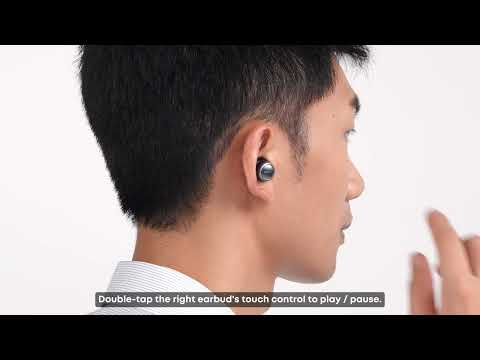
Play or pause: double-tap the right earbud.
-
Switch noise cancellation mode: press and hold either earbud for 2 seconds. The default cycle is Noise Cancellation > Transparency Mode.
Single tap and triple tap have no function by default, and Normal Mode is not included in the default ambient sound cycle. You can assign all of these in the Anker soundcore app. Most controls — aside from answering calls — can be reassigned if the defaults don't match how you use them.
Using a Single Earbud
Put one earbud in the case with the lid closed, and the other will work on its own, outputting full stereo sound rather than just one channel. Controls in single-earbud mode work a bit differently (double-tap plays/pauses instead of skipping tracks), so if you've customized controls for two-earbud use, you'll want to set up single-earbud mode separately in the app.
If Touch Controls Feel Unresponsive
If a tap doesn't register, check the following:
1. Make sure your hands are clean and dry — moisture or residue on your fingers can prevent the sensor from registering a tap.
2. Double-check you're tapping the exact panel with the logo, not just anywhere on the earbud. See the image for its exact location.
3. Timing matters: for a double-tap, both taps need to land within about half a second of each other. For a single tap, leave more than 1 second before the next tap.
4. If you don't hear the Wear Detection tone when putting the earbuds on, touch controls won't activate — Wear Detection is what tells the earbud it's actually in your ear. Adjusting your fit (see "How to Get a Secure, Comfortable Fit with Anker Liberty Buds 2") usually resolves this; turning off Wear Detection in the app is an alternative if you'd rather controls work regardless of fit.
If Controls Trigger by Accident
If touch controls fire unintentionally while you're inserting or adjusting the earbuds:
1. Avoid touching the touch area marked with the logo when you remove, insert, or adjust the earbuds.
2. Lower the touch sensitivity in the app: Product Page > Controls > Touch Sensitivity, then select Low, Medium, or High. You can also turn off individual gestures from the same menu.
If you encounter any other issues or your issue has not been resolved, please contact us for further assistance.