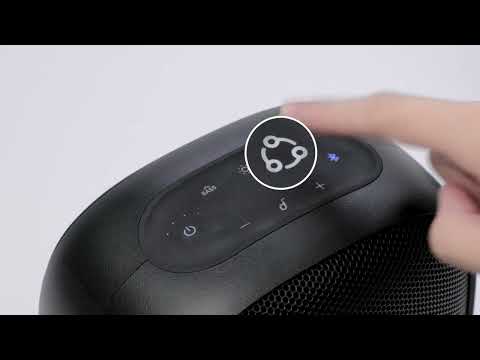
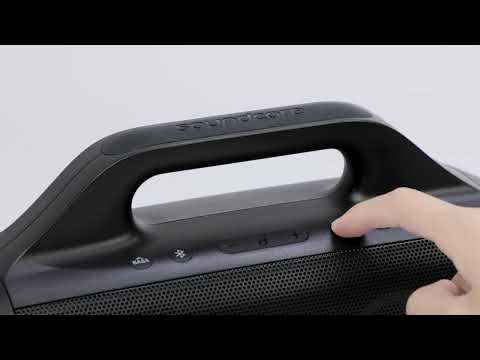
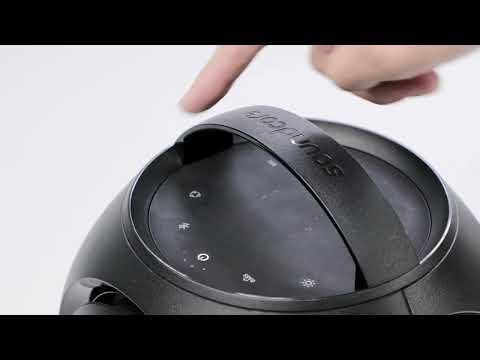
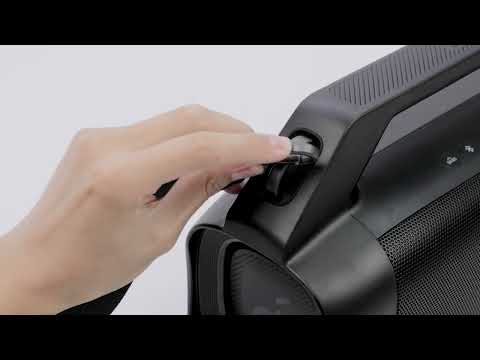
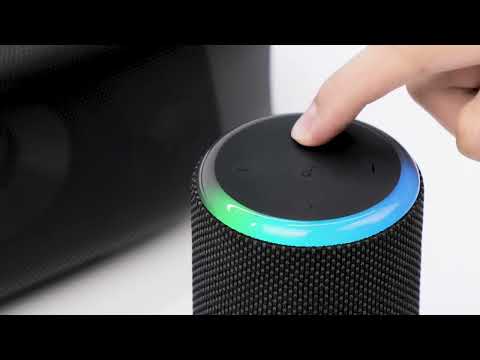
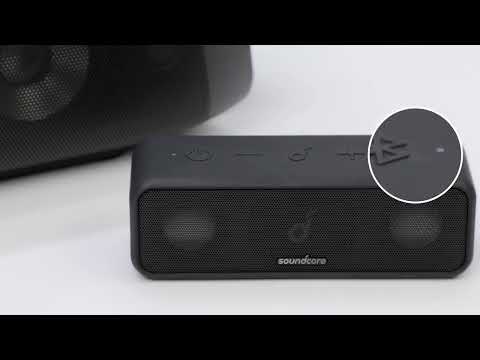
Stereo pairing only works between 2 speakers at most, and you would need to pair two identical speakers at the same time to create a stereo sound that distinguishes the L (left) and the R (right) channel separately.
To pair two Soundcore Motion Boom Plus speakers together, follow the steps listed below.
1. Turn the two speakers on.
2. Pair one speaker with your phone via Bluetooth.
3. Press and hold the Bluetooth button on both speakers for 2 seconds until the light flashes white.
4. Wait for 5 to 8 seconds, and you will hear sound. When the speakers are successfully paired together, the primary speaker will have one steady blue light while the one with a steady white light is the secondary speaker.
Note: Avoid having any electronic devices between both speakers, and make sure the distance between the two speakers is not greater than 16.4 ft / 5 m.
If you have additional questions, please contact us for further assistance. Make sure to mention that you have tried the steps in this FAQ, so our agents do not ask you to repeat these steps.