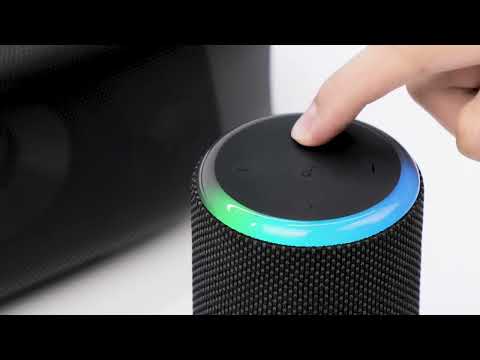
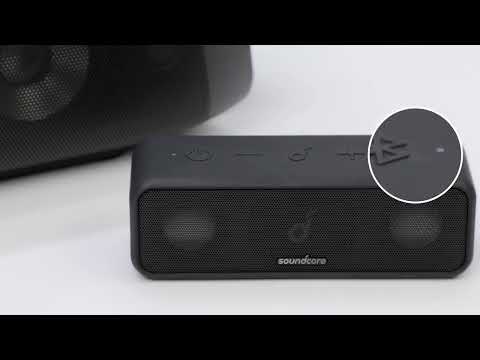
How to Fix Motion Boom Plus No Sound Issue When Paired with Other PartyCast Speakers

Soundcore Motion Boom Plus supports NAV and SBC decoding while our other PartyCast speakers only support SBC decoding. When the Motion Boom Plus speaker is paired with PartyCast speakers, it will default to NAV decoding. There may be instances where you may not hear sound.

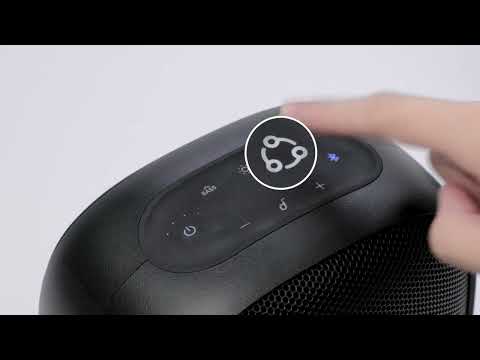
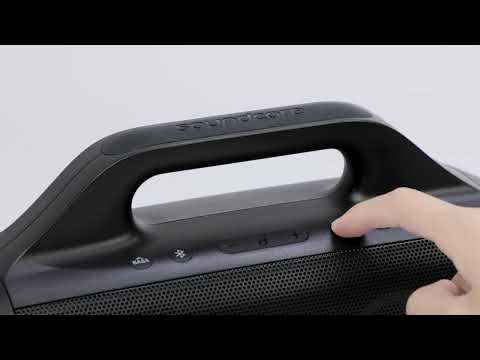
To resolve this issue, double click the PartyCast button on Motion Boom Plus and you will get sound from other PartyCast speakers.

If you still have any concerns or issues, please contact
us and make sure to mention that you've tried the listed steps above for a quick and accurate solution.

Download icon
How to Fix Motion Boom Plus No Sound Issue When Paired with Other PartyCast Speakers
Unresolved icon
33 undefined
Download icon
A3129_Motion_Boom_Plus_Manual
Download icon
A3129_Motion_Boom_Plus_QSG
Download icon
【A3129】Soundcore Motion Boom Plus EU Declaration
Download icon
soundcore Motion Boom Plus User Guide (A3129)
Play videoHow to pair Motion Boom Plus with Select Pro
How to pair Motion Boom Plus with Select Pro
Play videoHow to pair Motion Boom Plus with Rave Neo
How to pair Motion Boom Plus with Rave Neo
Play videoHow to pair Motion Boom Plus with Select Pro
How to pair Motion Boom Plus with Select Pro
Play videoHow to pair Motion Boom Plus with Rave PartyCast
How to pair Motion Boom Plus with Rave PartyCast
Play videoHow to pair Motion Boom Plus with Flare 2
How to pair Motion Boom Plus with Flare 2
Play videoUnboxing and charging the Motion Boom Plus Speaker
Unboxing and charging the Motion Boom Plus Speaker
View More
Contact Us