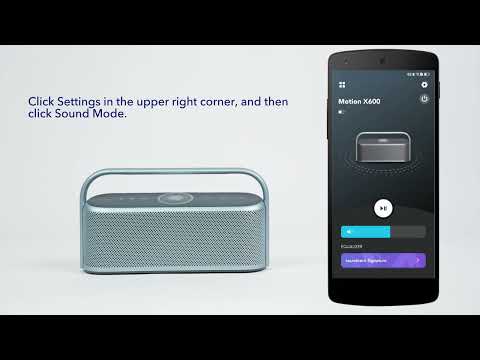
Method 1: Copy the link that someone has shared with you.(Note: The link must be the EQ link of Motion X600 generated in the soundcore App)
1. Copy the EQ link.
2. Open the soundcore app andpair with Motion X600. The link will automatically be detected and you will be asked whether or not you want to import it.
3. Click “Yes” and then click “Import”.
Method 2: Scan the QR code that someone has shared with you.
1. Open the soundcore app and pair with Motion X600.
2. Go to Equalizer > Add > Scan Code for EQ. Then scan the QR code your friend shared with you and click "Import".
If you have additional questions, please contact us at service@soundcore.com for further assistance.