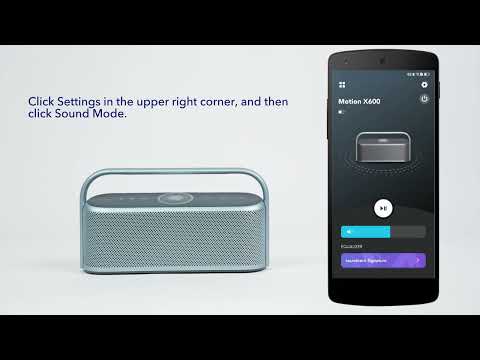
How can I enable LDAC on Motion X600 in TWS mode?
Just follow the steps below:
1. Make sure your device supports LDAC (only available on Android 8.0 and above).
2. Enable the LDAC mode separately for your two Motion X600 speakers. Enabling LDAC mode will require updating the firmware to version 4.2.1.
3. After LDAC mode has been enabled on both Motion X600, you can proceed with TWS pairing.
4. If you see the following screen, it means that you are already using the LDAC function in TWS mode. Simply ignore the prompt that “TWS cannot enter LDAC mode”.
If you have any additional questions, please contact us at service@soundcore.com for further assistance.


15 undefined

A3130 Soundcore_Motion_X600 QSG

soundcore Motion X600 édition spéciale Guide de l'utilisateur (A3130)

A3130_Soundcore_Motion_X600_Manual

soundcore Motion X600 Ghidul utilizatorului (A3130)

soundcore Motion X600 Упутство за кориснике (A3130)

soundcore Motion X600 Пайдаланушы нұсқаулығы (A3130)
View More


How to Connect Using LDAC


How to Enable True Wireless Stereo


How do I pair two Motion X500 speakers via TWS?


How do I access and use the LDAC function?


How to Adjust Light Effects for Motion X500


How to use the soundcore app for Motion X500
View More