What to do if Liberty 2's firmware fails to upgrade via the Soundcore App?
Please try the following steps:
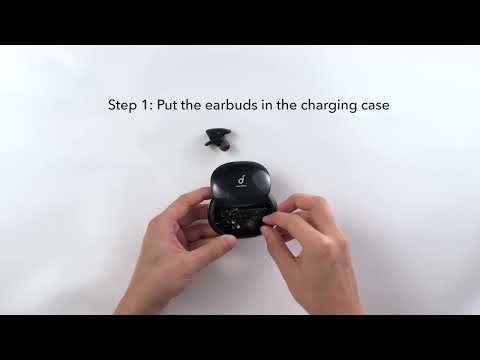
1. Make sure both earbuds are connected to your device.
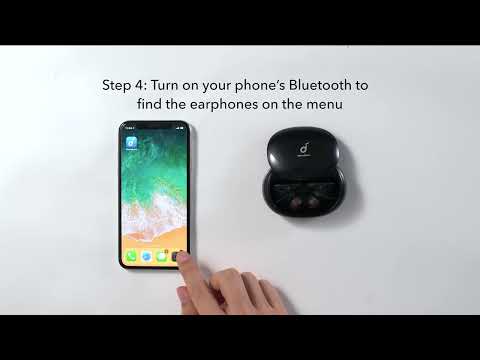
2. Don't upgrade the software when there are other sources of interference around.
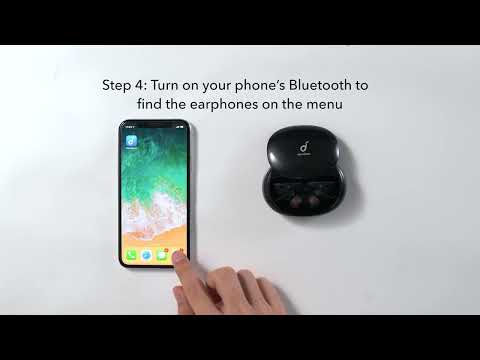
3. Do not turn off Bluetooth during the firmware upgrade and ensure your device and Liberty 2 are positioned close together.
4. Uninstall the Soundcore app and reinstall again.
If you have additional questions, please contact us at service@soundcore.com for further assistance. Make sure to mention that you have tried the steps in this FAQ so our agents do not ask you to repeat them.