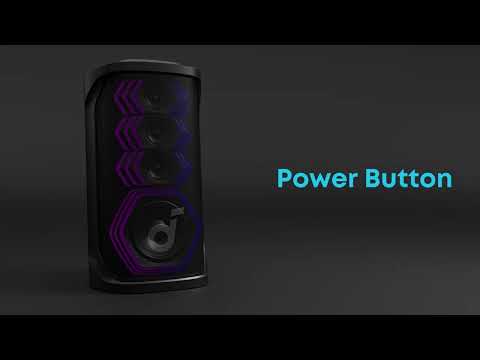
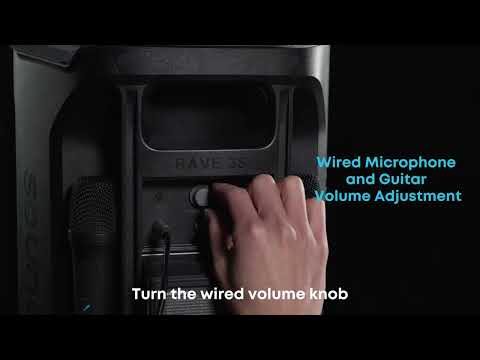
Rave 3S features the latest Auracast™ technology, which offers significant advantages over previous wireless transmission protocols: Control all Auracast-connected speakers with a single device. Enjoy superior audio quality, lower latency, and more stable connections.
To use Auracast, power on each Rave 3S and press the Auracast button to automatically pair them. A prompt tone will indicate successful pairing.
-
When connecting two Rave 3S via Auracast, stereo (left and right channel) output is supported. Double-click the Auracast button on either unit to switch between left and right channel output.
-
When connecting three or more units via Auracast, they will output in unified mono sound.
Note: Due to protocol incompatibility, Auracast cannot pair with devices that use PartyCast. soundcore will launch more products that support Auracast in the future.
If you have additional questions, please contact us at service@soundcore.com for further assistance.