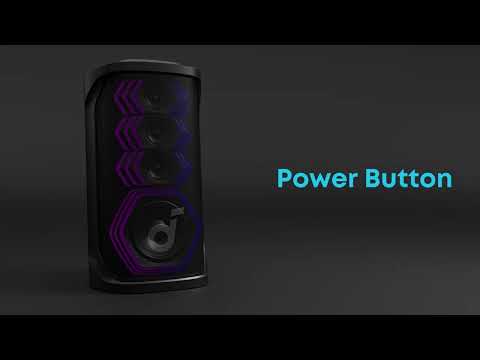
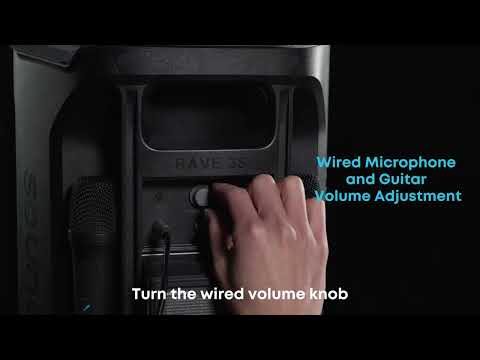
After turning on Rave 3S and the wireless microphone, they are usually set to automatically connect. If your microphone does not pair with the speaker, please follow the steps below to complete the connection:
-
On Rave 3S, simultaneously press and hold the "Next Track" and "AI Vocal" buttons for 8 seconds. When you hear a tone, it means the speaker has entered microphone pairing mode.
-
On the wireless microphone, simultaneously press and hold the "Volume +" and "AI Vocal" buttons for 8 seconds. The microphone will enter pairing mode, the indicator light on the power button will flash white, and the microphone will automatically search for a speaker to pair. When you hear a tone, the microphone has successfully paired.
Note:
-
When you perform step one, Rave 3S will clear all previously paired microphones, so you will need to reconnect both microphones.
-
If the speaker has a microphone pairing record when the microphone is turned on and reconnects to the speaker, the speaker will briefly disconnect from the phone's Bluetooth and then reconnect immediately.
If you have additional questions, please contact us at service@soundcore.com for further assistance.