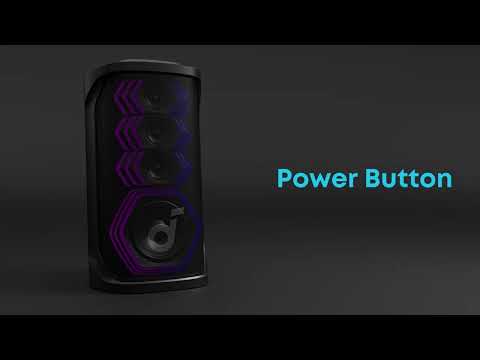
You can connect your Rave 3S speaker to your TV through two methods.
Methods 1:AUX Connection (Recommended)
-
Locate the 3.5 mm headphone jack or AUX-OUT port on your TV.
-
Use a 3.5 mm audio cable to connect the TV's audio output port to the AUX-IN port on the back of Rave 3S.
-
Set your TV to AUX-OUT mode. Consult your TV's user manual if you're not sure how to do this.
Methods 2:Bluetooth Connection
-
Turn on Rave 3S, press the Bluetooth button to enter Bluetooth pairing, and ensure that the speaker is not connected to any devices.
-
Turn on your TV. In the TV's settings, find and enable the Bluetooth function. Locate "Rave 3S" and connect to it. If your TV displays "Rave 3S ble", please do not connect to it; instead, connect to "Rave 3S".
Note:
-
If audio is not outputting from Rave 3S after connecting to the TV, please check whether the TV's audio output is set to Bluetooth.
-
If the connection fails, please unpair and pair again.
If you have additional questions, please contact us at service@soundcore.com for further assistance.