What should I do if the soundcore P41i app firmware update fails?
If the soundcore P41i firmware update failed to work, you can find the solution in this article.
1. Ensure your earbuds have sufficient power and try again with a stable network connection.
2. If the installation fails, uninstall and reinstall the soundcore app, restart your phone, and try again.
3. Try using a different phone.
4. Modify location permissions and settings: Go to Settings > Privacy > soundcore > Location > Allow Only While Using the App.
If the issue persists, please provide your phone model and the SN from the app for further investigation.
If you encounter any other issues or your issue has not been resolved, please contact us for further assistance.


20 undefined
How to Register Your E-Warranty Card in the Soundcore App


soundcore P41i Earbuds FAQ
What should I do if I experience discomfort after using the soundcore P41i for prolonged use?
How to Fix soundcore P41i Earbuds Pairing Issues?
What do the icons on the case screen mean?
What should I do if I hear noise while using Transparency mode?
How do I reset soundcore P41i?
Why do the touch controls on P41i feel unresponsive?

soundcore P41i User Guide (A3937)
soundcore P41i Ръководство за потребителя (A3937)
soundcore P41i Korisnički vodič (A3937)
soundcore P41i Керівництво користувача (A3937)
soundcore P41i Foydalanuvchi qo‘llanmasi (A3937)
【A3937】soundcore P41i EU Declaration
View More

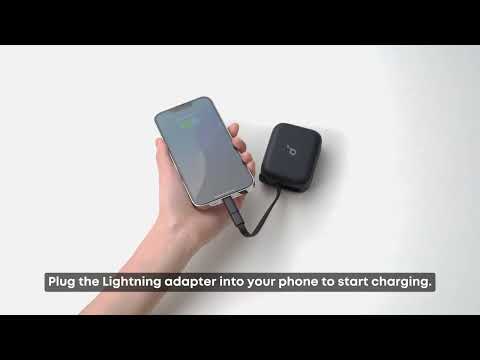
[All in one] How to Use soundcore P41i
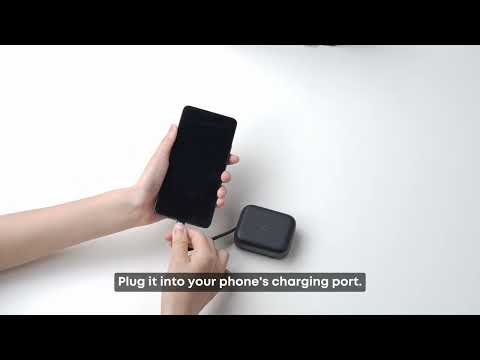
How to charge a phone with the charging case (without Type-C to Lightning adapter)
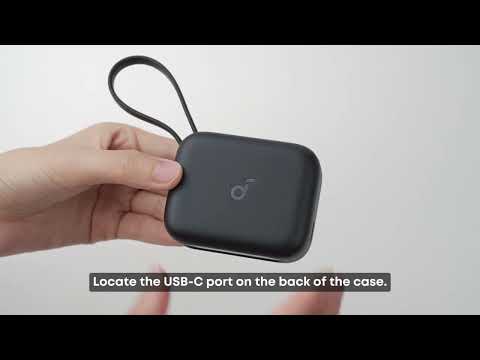
Two methods to charge the charging case
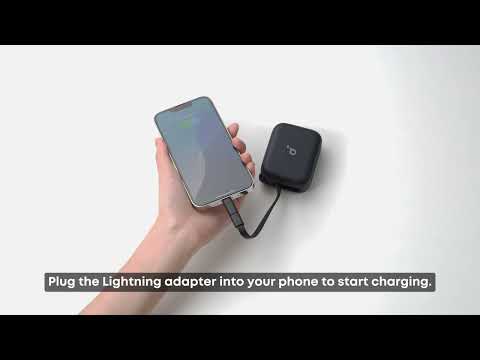
How to charge a phone with the charging case (with Type-C to Lightning adapter)


