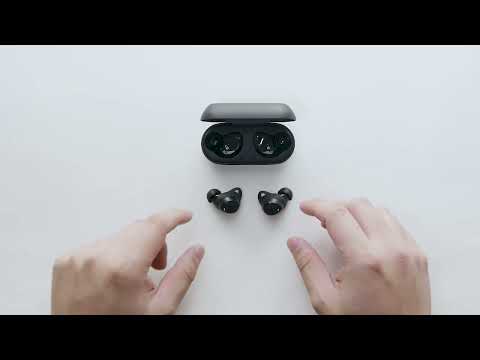
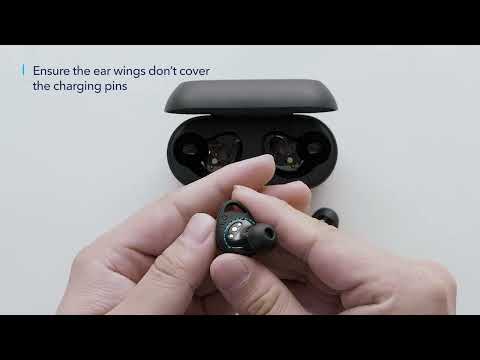
What should I do if Life A1 doesn't pair with my device (phone, computer, etc.)?
Please try the following troubleshooting steps to see if there are helpful:

1. Turn your Bluetooth device off and then on again. Forget all the pairing records on your device and turn off the Bluetooth.
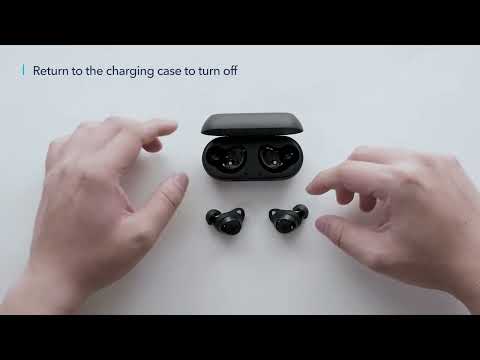
2. Fully charge your earbuds and reset them using the steps below: - Place the earbuds into the charging case and make sure they are being charged. - Press and hold the button on both earbuds in the case for 8 seconds. The LED indicators will flash red 3 times and then turn white.
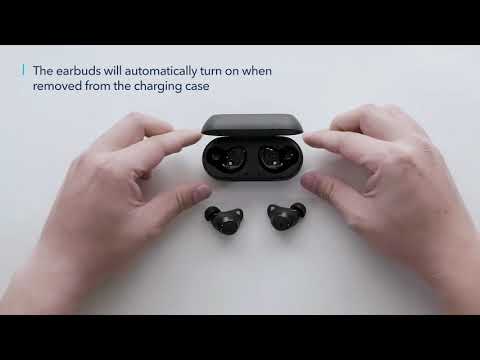
3. After the reset, take both earbuds out of the charging case to make sure they have paired successfully. If pairing has been successful, a white light will flash quickly on one earbud and a white light will flash slowly on the other one, Note: It may take a few seconds for the earbuds to pair together.
4. Turn on your device's Bluetooth and search for Soundcore Life A1 and pair.
5. Check your earbuds with a different Bluetooth device to see if the problem still persists.

If you have additional questions, please contact us at service@soundcore.com for further assistance. Make sure to mention that you have tried the steps in this FAQ so our agents do not ask you to repeat them.
What should I do if Life A1 doesn't pair with my device (phone, computer, etc.)?
23 undefined
soundcore parts and accessories
25138 views/1 likes/2025-04-08 16:00:05
How to Reset Your soundcore Headphones
43340 views/3 likes/2025-04-08 16:03:59
When does the light on the charging case light up?
17289 views/7 likes/2025-04-08 16:01:19
How to Solve Common Issues with True Wireless Earbuds
13566 views/1 likes/2025-04-08 16:15:47
Soundcore Warranty Policy
54857 views/10 likes/2022-10-13 11:05:11
Parts and Accessories of soundcore Headphones
9972 views/1 likes/2025-04-08 16:02:25
How to Identify Genuine soundcore Products
15028 views/2 likes/2025-04-08 16:02:15
EU Declaration of Conformity for soundcore A3i_A3992
A3961 QSG V2(1)
UK&CA Declaration of Conformity for soundcore Liberty 4_A3953
EU Declaration of Conformity for soundcore Liberty 4_A3953
A3947_Liberty 4 NC_QSG
Liberty 4_A3953_QSG
View More
How to use Liberty 4 Wellness features
How to Wear Liberty 4 and Change Eartips
How to Pair and Reset Sport X10
How to solve a connection issue on Sleep A10
How to Connect to the Soundcore App and Update Firmware for Sport X10
How to Use Features On the Soundcore App for Sport X10
View More
Contact Us