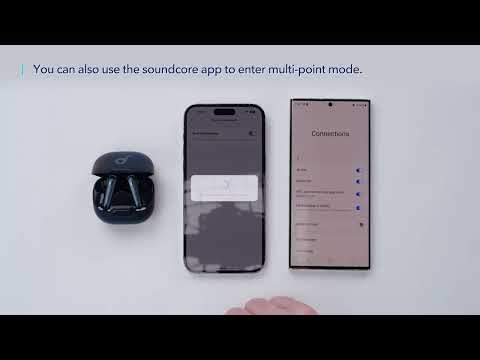
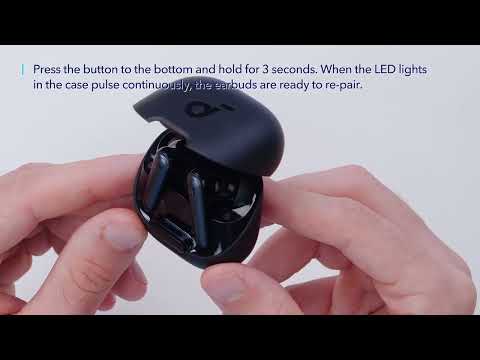
If you're having trouble with call quality on your Liberty 4 NC earbuds, we've got some great tips and tricks to help you improve your listening experience and enhance call quality. In this article, we'll be sharing some effective strategies that you can use to ensure that your calls are clear when you use your Liberty 4 NC earbuds. Here are some steps:
1. Make sure you have raised both the volume of the earbuds and the connected device to the maximum.
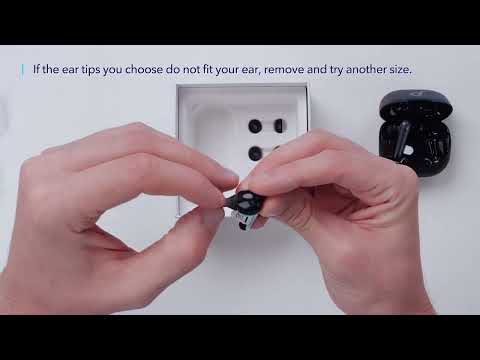
2. Change the ear tips to ones that fit more snugly in your ears and make sure you're wearing the earbuds in the correct position to create a tight seal. If the earbuds are not worn properly in your ears, you may not obtain the correct call performance.
3. Try switching to the phone mic and make a call to see if the problem still persists.
If you have any more issues or your issue has not been resolved, please contact us for further assistance.