I can use my earbuds separately but not together. (There is sound on only one side of my earbud.) What should I do?
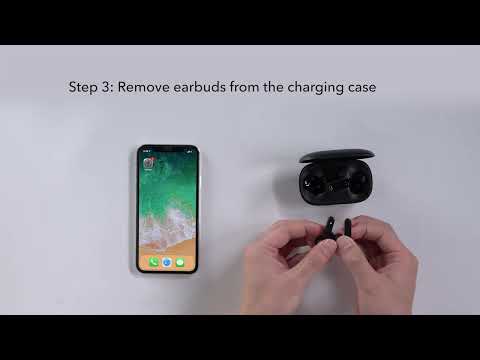
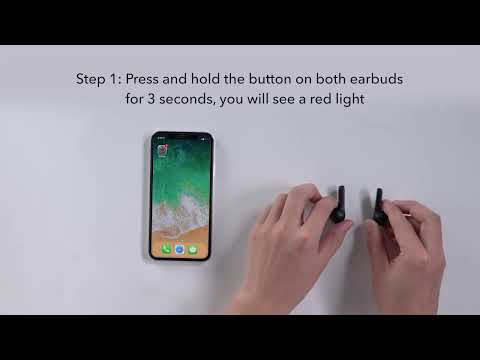
1. Try to forget the pairing records (both Soundcore Life P2 earbuds) on your device and turn off Bluetooth. 2. Reset the earbuds via the following steps: - Place the earbuds in the charging case and make sure they are charging. - Press and hold the button on both earbuds for 3 seconds. The LED indicators will flash red 3 times and then turn white. 3. After resetting, take both earbuds out of the charging case to make sure they are successfully paired. When they are connected successfully, you will see a white light flash quickly on one side and flash slowly on the other. 4. Turn on Bluetooth again and search for Soundcore Life P2 and pair.
Note: There will be a pop-up window for you to confirm the pairing. Select "Pair." If you accidentally select "Cancel", you need to remove the earbuds from the device's Bluetooth history and re-pair the earbuds.
If you have additional questions, please contact us at service@soundcore.com for further assistance. Make sure to mention that you have tried the steps in this FAQ so our agents do not ask you to repeat them.