How to Wear Space A40 Earbuds Correctly

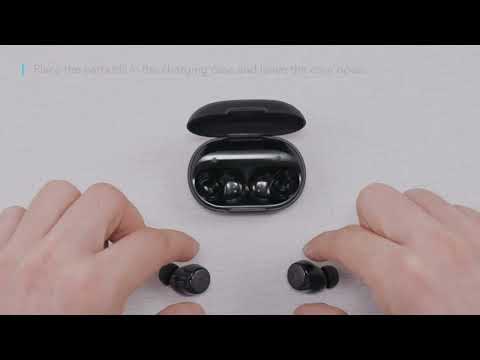
Hey soundcore fans, we recently just launched Space A40, and understand that some owners may be a little bit confused about how to wear them correctly. Wearing in-ear earbuds correctly will let you get the best out of them, improving sound quality and the effectiveness of noise reduction, so follow these simple steps to make the most out of your brand new earbuds:


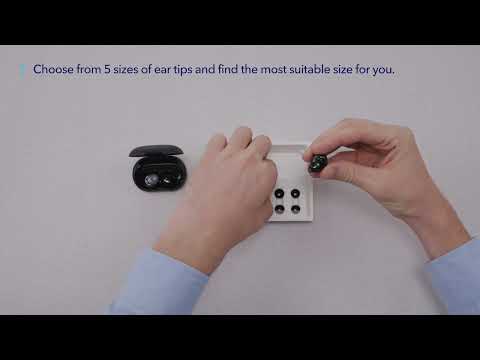
Step 1: Choose a suitable size of ear tips to ensure the earbuds fit well and create a tight seal.

Step 2: Check the L/R logo on the back of the earbuds to ensure that you're wearing them on the correct sides.

Step 3: Rotate the earbuds and then adjust them to a position that fits comfortably.
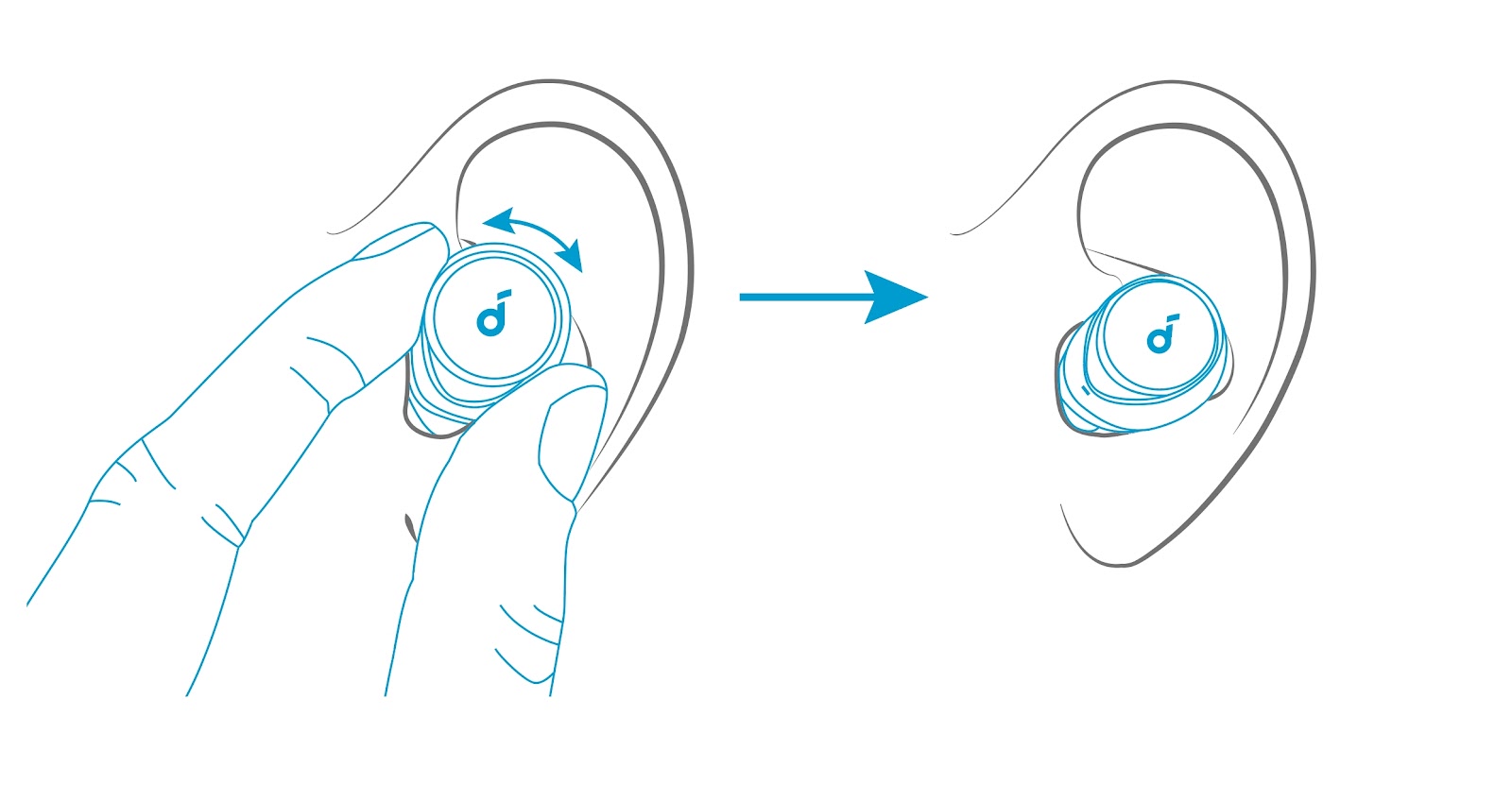
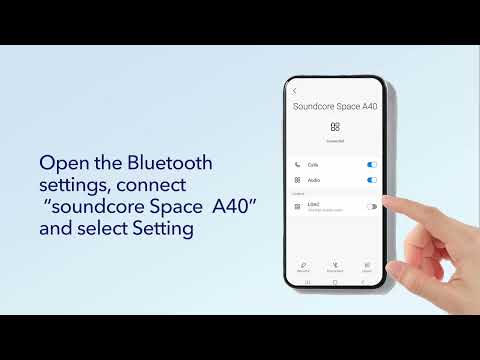
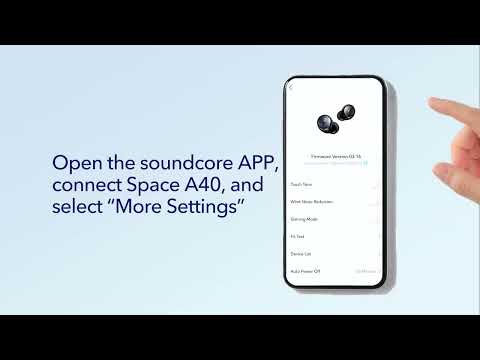
Step 4: Take the Fit Test on the soundcore app to check if the ear tips are the optimal size and to ensure the earbuds are sitting in the perfect position.

After following those steps you should now be wearing Space A40 earbuds correctly which will greatly improve your listening experience. Don't forget that Space A40 comes with an 18-month warranty and hassle-free customer service, so we're happy to help if you have any questions or encounter any issues. Don't hesitate to contact us via the soundcore app help page or email us for further assistance. We'll respond within 24 hours!

Unresolved icon
17 undefined
Unlock Our New Easy-To-Use Warranty Service
273629 views480 likes/2025-04-08 16:02:12
How to Reset Your soundcore Headphones
59176 views6 likes/2025-04-08 16:03:59
Parts and Accessories of soundcore Headphones
14337 views1 likes/2025-04-08 16:02:25
How to Reset soundcore Space A40 Earbuds
10190 views8 likes/2025-04-08 16:01:51
How to Clean soundcore Headphones
8884 views2 likes/2025-04-08 16:02:37
Download icon
A3930 Liberty 2 Pro Upgraded Version Quick Start Guide
Download icon
A3930 Liberty 2 Pro Upgraded Version DOC
Download icon
A3930 Liberty 2 Pro Upgraded Version User Manual
Download icon
A3931 Life Dot 2 NC Quick Start Guide
Download icon
A3931 Life Dot 2 NC DOC
Download icon
A3931 Life Dot 2 NC User Manual
View More
Play videoHow to Wear the Liberty 2 Pro Upgraded Version Correctly
How to Wear the Liberty 2 Pro Upgraded Version Correctly
Play videoHow to Use HearID for Liberty 2 Upgraded Version
How to Use HearID for Liberty 2 Upgraded Version
Play videoHow to Pair Liberty 2 Pro Upgraded Version
How to Pair Liberty 2 Pro Upgraded Version
Play videoHow to Reset Liberty 2 Pro Upgraded Version
How to Reset Liberty 2 Pro Upgraded Version
Play videoHow to Replace the EarWings and EarTips on Liberty 2 Pro Upgraded Version
How to Replace the EarWings and EarTips on Liberty 2 Pro Upgraded Version
Play videoHow to Power Liberty 2 Pro Upgraded Version On/Off and Use the Controls
How to Power Liberty 2 Pro Upgraded Version On/Off and Use the Controls
View More
Contact Us