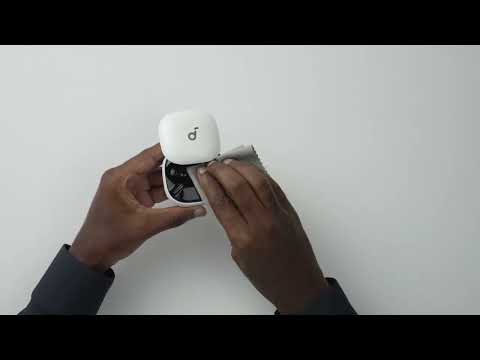
To fix this issue, please try the steps below:
1. Ensure the maximum volume limit is turned off on your phone. Go to Settings > Sounds & Haptics > Headphone Safety, and turn off Reduce Loud Sounds.
2. Fully charge your earbuds and reset them by following these steps:
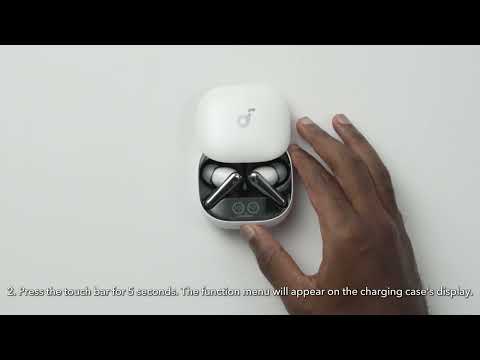
- Place the earbuds into the charging case and leave the case open.
- Press and hold the touch bar on the charging case for 5 seconds. A function menu will appear on the case's display. Slide to select Reset, then double-tap to confirm. After the reset is completed, a "Reset Successful" prompt will appear along with a single-tone chime, which will fade after 2 seconds. This confirms a successful reset.
Note: Ensure the earbuds are properly placed in the charging case and that the battery level is displayed on the charging case's screen for a successful reset.
3. Reconnect your earbuds and set the volume to maximum on both your phone and earbuds while playing audio.
4. Use a Q-tip with a small amount of rubbing alcohol to gently clean the metal mesh filter under the rubber ear tips.
5. In the soundcore app, check if the maximum volume limit is enabled in Safe Volume > Limit High Volume.
If you have any more issues or your issue has not been resolved, please contact us for further assistance.