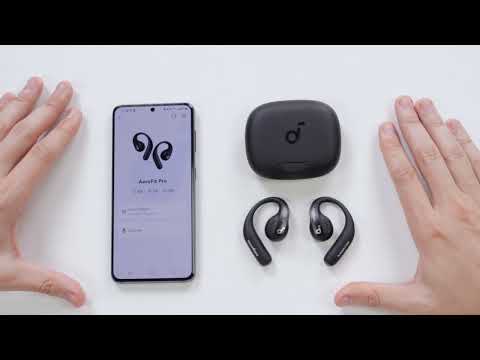
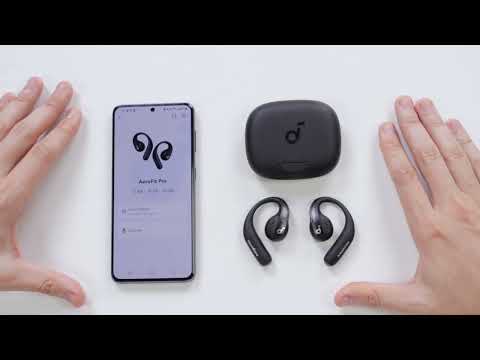
In this article, we'll walk you through some of the most effective ways to resolve AeroFit Pro earbuds pairing issues.
- Ensure that the insulation stickers covering the connectors on the earbuds has been removed.
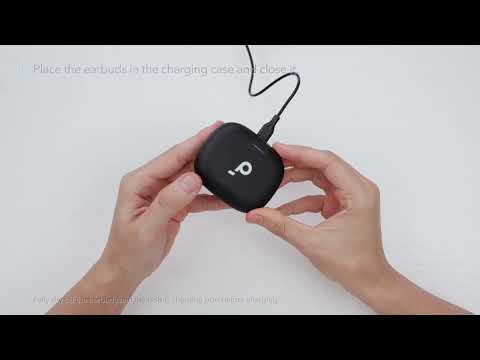
- Fully charge the earbuds.
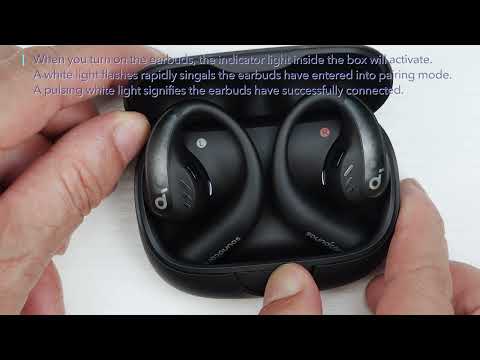
- Please try to put the earbuds back into the case, close the cover, and then reopen the charging case. The earbuds will automatically turn on and reconnect to the last paired device. If the earbuds were previously connected to a different device, and you want to disconnect, you need to close the cover for at least 6 seconds and then reopen it.
If they still can't pair with your device, please try the following tips:
-"Forget" the headphones in your device's Bluetooth history.
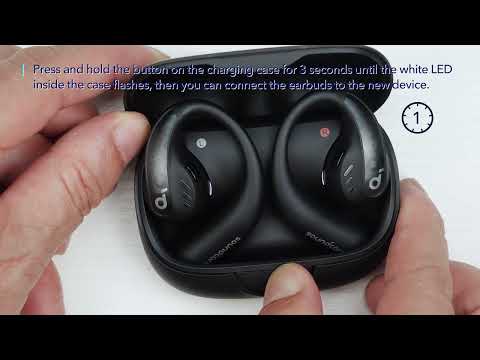
- Reset the headphones: Place the earbuds in the charging case with the case open. Press the button on the charging case for 10 seconds until the LED indicators inside the case flash 3 times and then flash in sequence. This confirms that the reset was successful and your earbuds can be connected normally.
When resetting the earbuds, make sure the earbuds are properly connected to the charging case, or it may cause the reset to fail. When you place the left and right earbuds into the charging case, there will be white LED indicators which confirms the earbuds are properly connected with the charging case.
If the indicators in the charging case don't light up, please check whether the charging case and earbuds are properly connected, have enough power, and clean the charging pins with a dry cloth.
- Please try it with another device (phone/tablet/etc.) and see if the issue persists.
If you encounter any other issues or your issue has not been resolved, please contact us for further assistance.