How to Upgrade Firmware via soundcore App

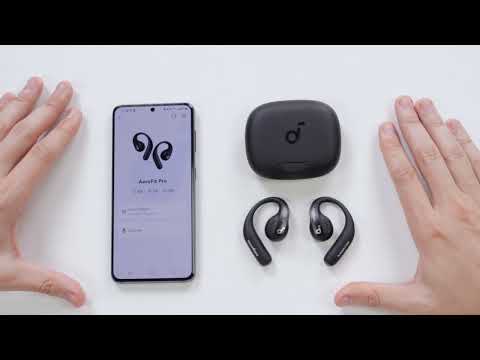
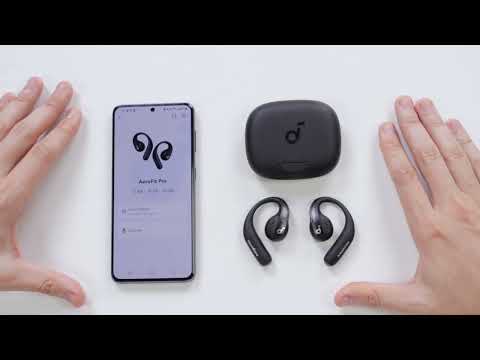
This article will show you how to upgrade firmware via soundcore App.


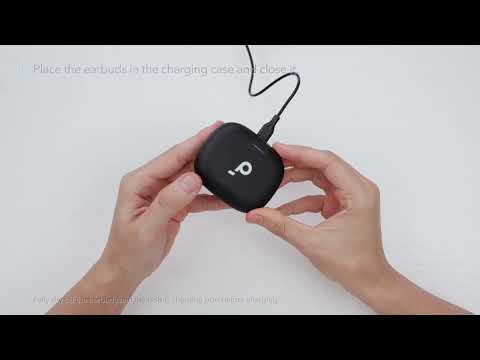
You will be informed once a new firmware version is detected when you connect the earbuds to the soundcore app. Ensure the earbuds are placed in the charging case and the case remains open until the firmware update is complete. During the update, ensure the earbuds are being charged and avoid using them.


If it can't be upgraded successfully, please try the following:

1. Make sure your earbuds have enough power.

2. Uninstall and reinstall your soundcore app.

3. Try updating your firmware with a different Bluetooth device in a good network environment to see if it helps at all.


If you encounter any other issues or your issue has not been resolved, please contact us for further assistance.

Unresolved icon
26 undefined
Download icon
soundcore AeroFit Pro 使用者指南 (A3871)
Download icon
Руководство пользователя soundcore AeroFit Pro (A3871)
Download icon
soundcore AeroFit Pro 사용 안내서(A3871)
Download icon
Soundcore AeroFit Pro bruksanvisning (A3871)
Download icon
Guia do usuário do soundcore AeroFit Pro (A3871)
Download icon
Uporabniški priročnik za slušalke soundcore AeroFit Pro (A3871)
View More
Play videoHow-to Video for AeroFit Pro
How-to Video for AeroFit Pro
Play videoHow to Wear AeroFit Pro
How to Wear AeroFit Pro
Play videoHow to Pair AeroFit Pro
How to Pair AeroFit Pro
Play videoHow to Re-Pair and Reset AeroFit Pro
How to Re-Pair and Reset AeroFit Pro
Play videoHow to Charge AeroFit Pro
How to Charge AeroFit Pro
Play videoHow to Use AeroFit Pro's Controls
How to Use AeroFit Pro's Controls
View More
Contact Us