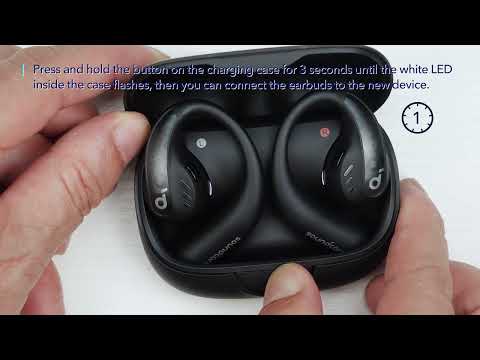
This guide will walk you through the process of turning on and turning off your soundcore Earbuds, ensuring you can maximize their battery life and enjoy your music without interruption. Let's dive into the straightforward steps to power off and power on your soundcore AeroFit Pro Earbuds.
1. Remember to remove the insulation stickers on the earbuds before first use.
2. With the charging case:
Press the center button to open the charging case, the earbuds will automatically power on. To power off, return the earbuds to the charging case and close it.

3. Without the charging case:

- To power on a single earbud, press and hold the button of the corresponding earbud for 2 seconds.
- To power off both earbuds, press and hold the button of either earbud for 2 seconds.
Note: The earbuds will automatically power off after 30 minutes if they are not connected. The duration can be customized in the soundcore app.
If you encounter any other issues or your issue has not been resolved, please contact us for further assistance.