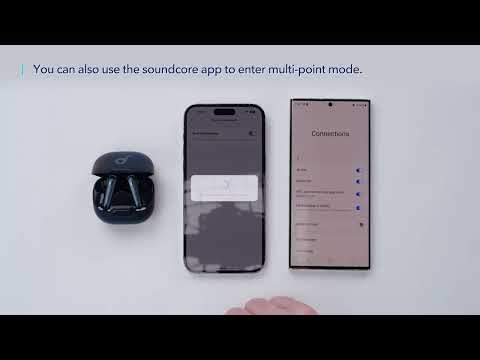
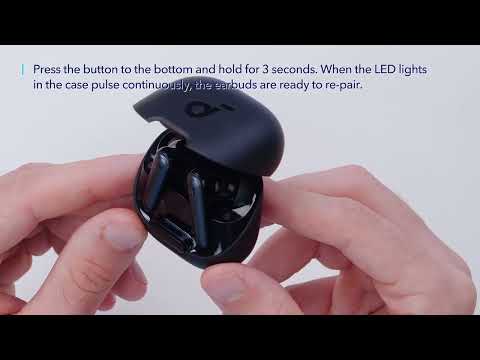
Are you having trouble locating and connecting your Liberty 4 NC earbuds to the soundcore app? Don't worry, we've got you covered! In this article, we will guide you through the steps on how to find your Liberty 4 NC in the soundcore app and connect them to the app.
To fix this issue, please try the following troubleshooting;
1. Download the latest soundcore app from the App Store. If you already have the app, it is recommended to uninstall it and then download it again. Overwriting installation is not recommended.
2. Pair your earbuds with your phone. Currently, the soundcore app does not support computers.
3. Open the app and select "Add Device". The app will automatically connect to the earbuds. The first time you enter the app, you must agree to enable location permissions.
4. If the connection fails, click "Set Up Manually" > "Liberty Series" > "Liberty 4 NC" on the page to check whether it can be added manually. If you can't find the corresponding model on this page, you can take a screenshot.
5. Go into the region of the system, switch to English (United States), and switch the system language to English (United States).
6. If it still fails, please uninstall and reinstall the app and log in again.
If you still can't connect using the steps above, provide the mobile phone model, app version, screenshots in Step 5, mobile phone system region, and language settings. (Search for "Region" in the mobile phone settings. If there is no region in the search, search for "Language".)
If you have any more issues or your issue has not been resolved, please contact us for further assistance.