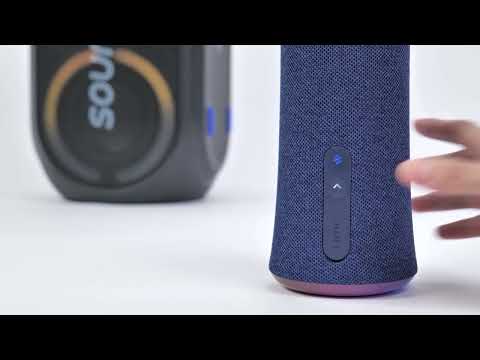
PartyCast wirelessly synchronizes your music across an almost unlimited number of PartyCast-compatible speakers.
To pair speakers together, follow the steps listed below.
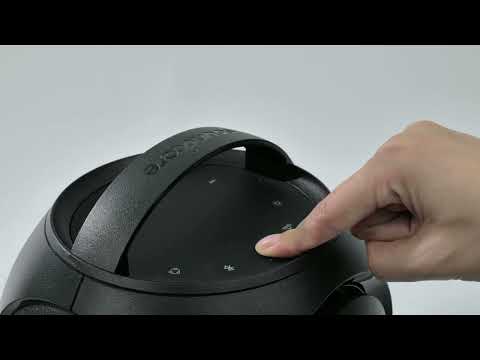
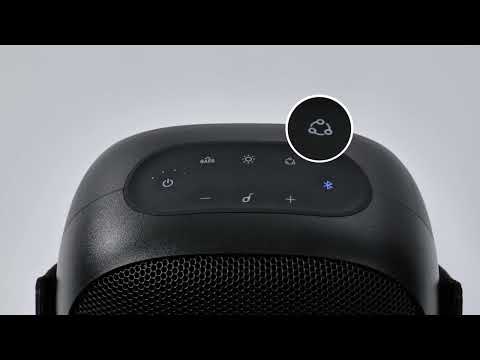
1. Connect your phone to Rave Party 2 via Bluetooth. Press the PartyCast™ button until a steady white light appears.
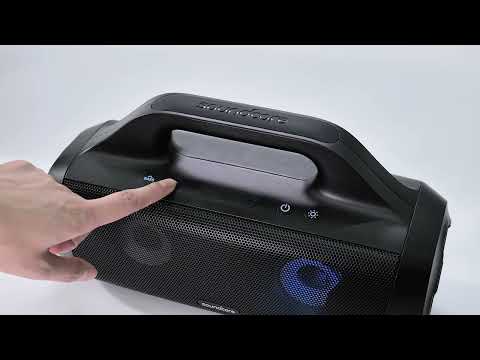
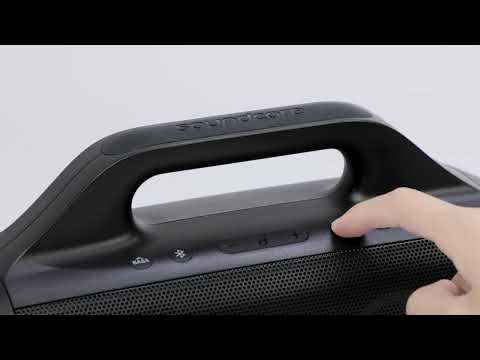
2. Turn on Select Pro. Hold the Bluetooth button for 2 seconds until the white light flashes. Next, press the Bluetooth button twice until the white light flashes quickly.
3. Wait for a few seconds, and a steady white light will appear on Select Pro. This indicates pairing was successful.
4. Press the PartyCast™ button on Rave Party 2 twice. Your phone will play music, and both devices will sound at the same time.
If you still have any questions, please contact us for further assistance.