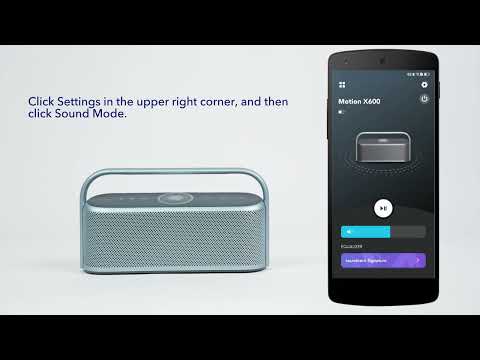
You can share your custom EQ for Motion X600 with your friends with a link or QR code, and you can also import Motion X600 custom EQs shared with you by others.
Follow these steps to share a custom EQ:
1. Download the Anker soundcore app.
2. Pair Motion X600 with the Anker soundcore app.
3. Click “Equalizer”.
4. Click the share button in the upper right corner, then click Copy Link or QR Code. You can choose an app to share the link or the QR Code with your friends.
Note: To use the sharing function, you need to log in to your soundcore account first.
Share custom EQ via the link:
Share custom EQ via the QR Code
If you have additional questions, please contact us at service@soundcore.com for further assistance.