Why can't I take photos remotely with the earbuds?
If you can't use the Take Photo feature of soundcore Liberty 5, you can find a solution in this article.
1. OPPO and Sony smartphones may not support the Take Photo feature due to protocol compatibility issues.
2. Check if your earbuds are connected to two devices. Disable Dual Connections for the Take Photo feature to work.
3. For Android devices:
- Go to Settings > Camera Settings > Volume Button Action.
- Select Take Photo/Shutter. If Volume is selected, the Take Photo feature won't work.
If you encounter any other issues or your issue has not been resolved, please contact soundcore customer support for further assistance.


20 undefined
How to Register Your E-Warranty Card in the Soundcore App


How do I turn the microphone on/off via touch controls?
Why do the touch controls on Liberty 5 feel unresponsive?
How do I reset soundcore Liberty 5?
What should I do if I experience discomfort after prolonged use?
What should I do if I hear background noise while using ANC mode?
Why does the music pause or noise cancellation change automatically?
What do the LED indicators on the case mean?

soundcore Liberty 5 Ръководство за потребителя (A3957)
soundcore Liberty 5 Korisnički vodič (A3957)
soundcore Liberty 5 Керівництво користувача (A3957)
soundcore Liberty 5 Foydalanuvchi qo‘llanmasi (A3957)
soundcore Liberty 5 User Guide (A3957)
soundcore Liberty 5 사용자 가이드 (A3957)
View More


How to Use Fit Test

How to Wear Liberty 5
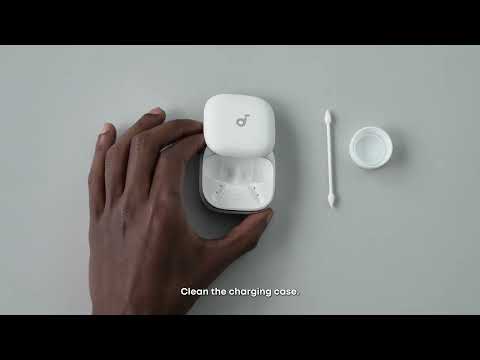
How to Clean Liberty 5
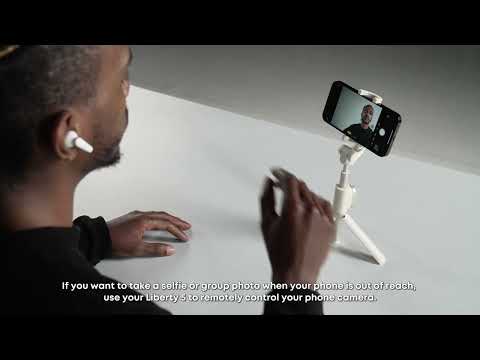
How to Control Your Phone Camera Remotely

How to Reset Liberty 5
How to Get Better Sound Quality from Liberty 5
View More


