What to do if the charging case of Liberty 2 is not charging?

Please try the following troubleshooting steps:

- Drain the battery and connect the case with the included USB-C cable and plug it into a USB power source to charge it for 2 hours. 

- Try a different wall charger and cable to charge the case until the power indicator turns solid white.


If you have additional questions, please contact us at service@soundcore.com for further assistance. Make sure to mention that you have tried the steps in this FAQ so our agents do not ask you to repeat them.


Unresolved icon
27 undefined
Unlock Our New Easy-To-Use Warranty Service
286178 views603 likes/2025-04-08 16:02:12
soundcore parts and accessories
40269 views1 likes/2025-04-08 16:00:05
How to Reset Your soundcore Headphones
66321 views6 likes/2025-04-08 16:03:59
What to do if the earbuds don’t charge or turn on?
17586 views4 likes/2025-04-08 16:01:02
How to Solve Common Issues with True Wireless Earbuds
27337 views1 likes/2025-04-08 16:15:47
Soundcore Warranty Policy
63585 views10 likes/2022-10-13 11:05:11
Parts and Accessories of soundcore Headphones
16647 views1 likes/2025-04-08 16:02:25
How to Identify Genuine soundcore Products
26900 views2 likes/2025-04-08 16:02:15
Download icon
A3910 Liberty Air 2 User Manual
Download icon
A3910 Liberty Air 2 DOC
Download icon
A3910 Liberty Air 2 Quick Start Guide
Download icon
A3911 Liberty Neo DOC
Download icon
A3911 Liberty Neo User Manual
Download icon
A3912 Soundcore Liberty User Manual
View More
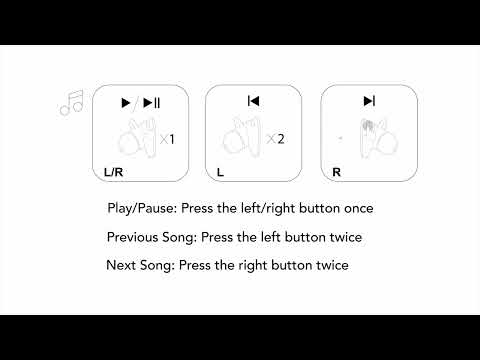
Play videoHow to Power Liberty Air 2 On/Off and Use the Controls
How to Power Liberty Air 2 On/Off and Use the Controls
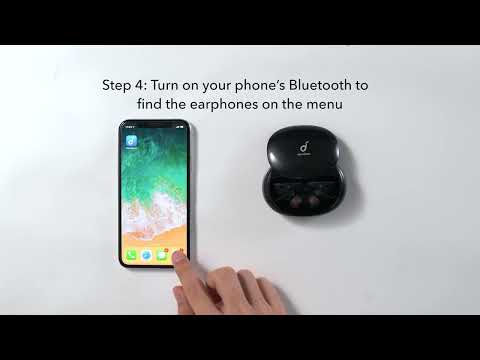
Play videoHow to Pair Liberty Air 2
How to Pair Liberty Air 2
Play videoHow to Use HearID for Liberty Air 2
How to Use HearID for Liberty Air 2
Play videoHow to Use Wireless Charging for Liberty Air 2
How to Use Wireless Charging for Liberty Air 2
Play videoHow to Reset Liberty Air 2
How to Reset Liberty Air 2
Play videoHow to Wear and Clean Liberty Air 2
How to Wear and Clean Liberty Air 2
View More
Contact Us