Please try the following troubleshooting steps:
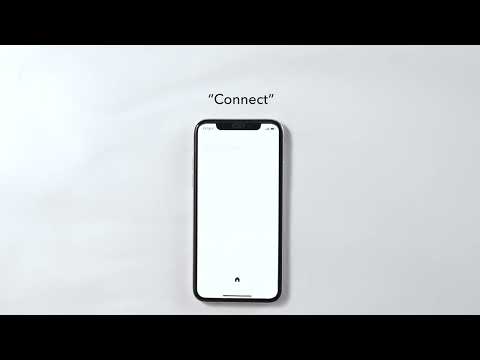
1. When connecting to a device for the first time, there will be a pop-up window for you to confirm pairing. Please select "pair".
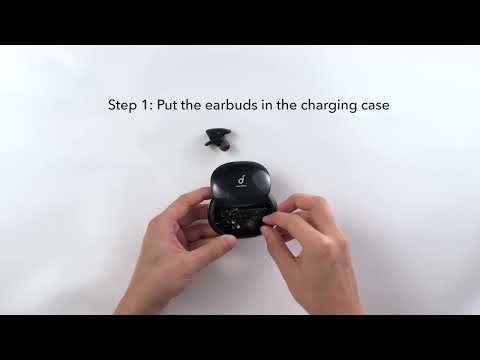
2. Place the earbuds back into the charging case and close the lid. Slide open the case and the earbuds will automatically power on and pair with each other before connecting to the last paired device.
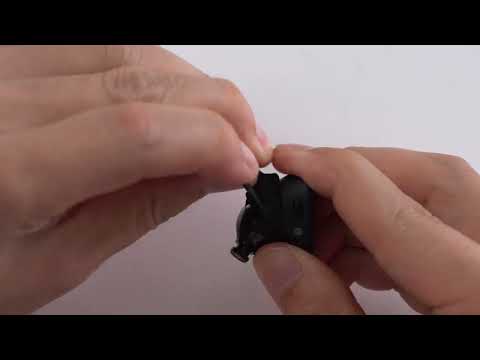
3. If they do not connect, please try to reset your earbuds. Here is the link for your reference:https://youtu.be/vc6YfpMaMZY
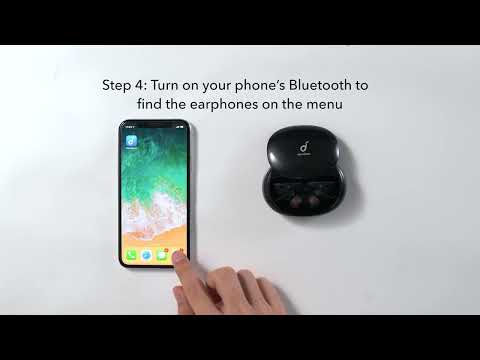
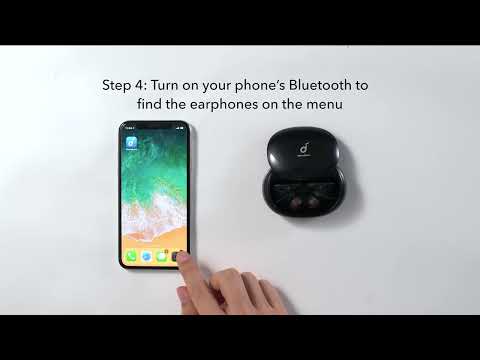
4. Forget the pairing record on your device, turn off the Bluetooth and turn it on again to pair with your earbuds.
5. Try pairing them with another device.
If you have additional questions, please contact us at service@soundcore.com for further assistance. Make sure to mention that you have tried the steps in this FAQ so our agents do not ask you to repeat them.